Deep-Live-Cam: Turning Real-Time Face Swapping into a Cross-Platform Local Inference Pipeline
# Deep-Live-Cam: Turning Real-Time Face Swapping into a Cross-Platform Local Inference Pipeline
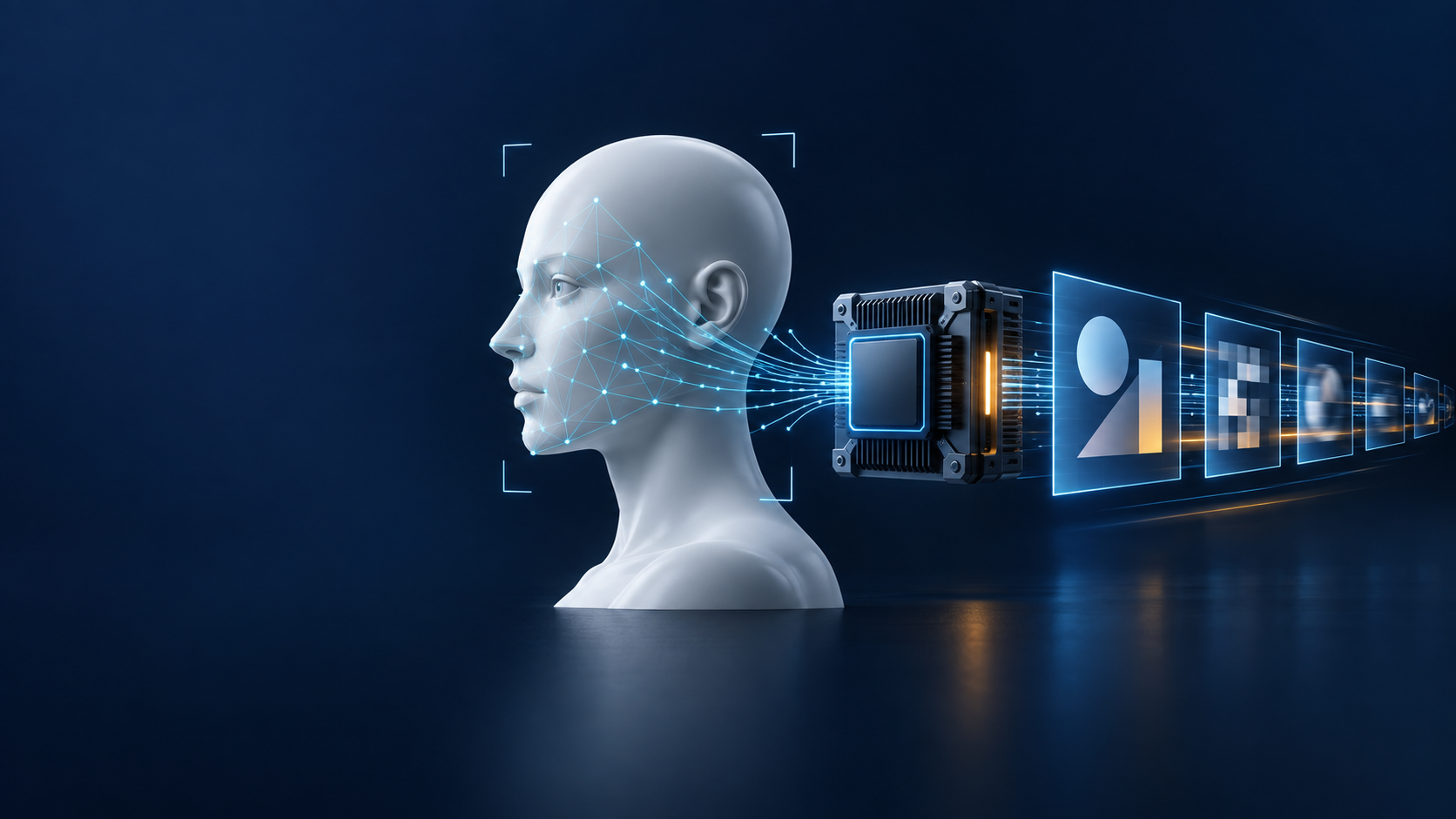
Real-time face swapping is easy to judge as a visual demo, but the hard engineering problems are elsewhere: face detection must keep up with the frame rate, models must run across different hardware, video and audio must remain usable, and multi-face processing, masks, and output encoding must not interfere with one another. Deep-Live-Cam is interesting because it packages these pieces into a runnable local application rather than stopping at a model notebook.
This article uses the repository source as its primary reference. It examines the processing pipeline, hardware abstraction, and performance trade-offs, while treating consent, disclosure, model licensing, and deployment governance as first-class parts of evaluating a deepfake tool.
## Project positioning
Deep-Live-Cam is a Python application for real-time face replacement and video processing. Its README describes a workflow that needs only one source image, with both image/video and webcam modes, plus headless CLI arguments. The project is licensed under AGPL-3.0 and primarily uses ONNX Runtime, InsightFace, OpenCV, FFmpeg, and NumPy.
At the time of this selection check, the GitHub API reported 96,579 stars and a latest push on 2026-09-09, satisfying the selection threshold of more than 5,000 stars and an update within 180 days. These numbers change over time and should be treated as live repository metadata, not as a guarantee of quality or safety.
## From source image to output video: a four-layer pipeline
Deep-Live-Cam is easiest to understand as four layers: input and orchestration, face analysis, frame processing, and output packaging.
### 1. Input and lifecycle management
`run.py` starts the program. `modules/core.py` parses the source image, target image or video, output path, processors, execution providers, and thread count. The same entry point serves both the GUI and CLI: specifying `--source`, `--target`, or `--output` selects the headless path.
Video processing is more than reading and writing frames. The core code handles FPS, audio retention, temporary directories, FFmpeg encoding, and the choice between an in-memory pipeline and a frame-file pipeline for different modes. This orchestration layer keeps face models unaware of container and audio details, and makes it possible to replace a frame processor without rewriting the whole application.
### 2. Face analysis does not do the same work on every frame
`modules/face_analyser.py` uses InsightFace's `buffalo_l` package for face detection, recognition, and optional 106-point landmarks. The code decides whether landmarks are needed from the active features: the face swapper alone can skip that model, while mouth masking or a face enhancer can request it.
This is a practical performance principle: the existence of a high-level feature should not impose its cost on every basic path. The webcam path also exposes detection-only fast functions that obtain bounding boxes and keypoints first, then compute landmarks only when a feature actually needs them.
### 3. The face swapper is a pluggable frame processor
`modules/processors/frame/face_swapper.py` wraps the swapping model as a frame processor. It loads `inswapper_128.onnx` or an FP16 variant, choosing based on the hardware and which file is available. On Apple Silicon it can also optimize the model for CoreML compatibility before running it.
The broad sequence is: detect faces, build face alignment and transformation data, run ONNX inference, and paste the result back into the original frame. Multi-face mode and face mapping allow source and target faces to be paired separately. Mouth masking tries to preserve the original mouth motion, reducing an unnatural result caused by covering the entire mouth area.
The final compositing step matters just as much. The code uses elliptical masks and `cv2.seamlessClone` for Poisson blending, and caches masks for nearly still faces. This is not a capability of the model itself; it is image-compositing engineering. Even with correct model output, jittering boundaries, inconsistent skin tones, or overwriting other faces can still make the result fail.
### 4. Execution providers isolate hardware differences
The project does not hard-code inference to the CPU. At startup it reads the ONNX Runtime providers available on the machine and prefers CUDA, ROCm, CoreML, OpenVINO, and DirectML before falling back to CPU. The CLI can also select providers explicitly with `--execution-provider`.
The design in `gpu_processing.py` is more conservative. OpenCV CUDA image processing is disabled by default because, at webcam resolutions, repeated upload/download operations can cost more than the GPU work saves. It is enabled only when `OPENCV_CUDA_PROCESSING=1` is set and the environment actually supports the required operations. In other words, the project separates “model inference should use the GPU” from “every small OpenCV operation should use the GPU,” avoiding the assumption that a GPU is an unconditional acceleration switch.
## Quick run: validate the smallest path first
The README provides a manual installation flow, but combinations of Python, FFmpeg, ONNX Runtime providers, and model versions vary across operating systems. Start in an isolated environment and validate the CPU path before working on GPU acceleration:
```bash
git clone --depth 1 https://github.com/hacksider/Deep-Live-Cam.git
cd Deep-Live-Cam
python -m venv .venv
source .venv/bin/activate
pip install -r requirements.txt
python run.py --source source.jpg --target target.mp4 --output output.mp4 --execution-provider cpu
```
The model files must be placed in `models/` as described by the README, including the face swapper and InsightFace files. Do not treat “the GUI launches” as proof that the entire pipeline works. Use a test image and a short video to verify model retrieval, FFmpeg, output encoding, and audio retention. For NVIDIA, Apple Silicon, Intel, or AMD systems, switch providers one at a time and record the model formats and versions that actually work.
The README also lists prebuilt versions and an official website. When downloading binaries, verify their source, checksums, and licenses; do not treat a third-party mirror or an unknown “optimized build” as an official release.
## Where it fits—and where it does not
Good fits include local creative tools, character animation prototypes, controlled live-stream visual effects, video post-production experiments, and engineering teams studying the complete “detection → inference → compositing → encoding” path. Its strength is that it reaches a desktop, webcam, and CLI workflow instead of remaining a model showcase.
It is not a general-purpose AI agent framework, and the repository itself does not provide a REST API, MCP layer, or permission-governance layer. A content-production platform would still need a job queue, user and asset permissions, review workflows, output watermarks, audit records, and retry handling. A real-time video service would also need to address camera permissions, latency budgets, concurrency isolation, and model-file caching.
## Three risk boundaries that cannot be skipped
### Consent and disclosure
The README explicitly asks users to obtain consent before using a real person's face and to clearly label deepfake output when sharing it publicly. This should not remain an ethical footnote. It should become a product control: source assets need authorization status, outputs should retain provenance, publishing interfaces should add disclosure by default, and a single checkbox should not bypass review.
### A content filter is not default safety
The project provides an NSFW filter option, but `core.py` sets the CLI default to off. “A feature exists” is not the same as “a deployment has enabled it.” For untrusted inputs, the service layer should enforce content classification, subject consent, and human review rather than relying on a client-side argument.
### Source and model licenses must be evaluated separately
The repository code is AGPL-3.0, while the README also points out non-commercial research restrictions associated with InsightFace and related models. Before commercial use, verify the licenses for the code, weights, datasets, prebuilt binaries, and generated content independently. An open-source repository license does not imply that the entire model stack is commercially unrestricted.
## What engineering teams can learn
The most useful part of Deep-Live-Cam is not only the face-swap effect. It is the set of replaceable boundaries: core lifecycle management, the face analyser, frame processors, hardware providers, and FFmpeg output. This separation allows performance work to stay local and lets tests target face-mapping fallback, face selection, and image compositing independently.
It also demonstrates how performance claims should map to code: skipping unnecessary landmarks, caching still-face masks, limiting memory, and rewriting operators that are unfavorable to CoreML partitioning on Apple Silicon are concrete engineering decisions, more useful than simply saying “GPU supported.” Before deployment, benchmark with your own media, resolution, provider, and concurrency rather than copying expectations from the README.
## Conclusion
Deep-Live-Cam packages a highly visible but high-risk AI capability as a cross-platform local media pipeline. It is worth studying because it integrates model inference, image compositing, hardware abstraction, and video I/O. It also deserves caution because consent, disclosure, filtering, and model licensing cannot be replaced by a one-click workflow.
If the goal is a controlled local image workflow, this is a strong starting point for code reading and prototyping. If the goal is to offer a large-scale public face-swapping service, governance and licensing should be designed before throughput and visual quality.
## References
- Project README:
- Core pipeline:
- Face analysis:
- Face swapper:
- GPU image processing:
- InsightFace licensing and model notes: