DeepSeek Harness: Building a Replaceable AI Agent Workbench with an Everything-is-a-Plugin Architecture
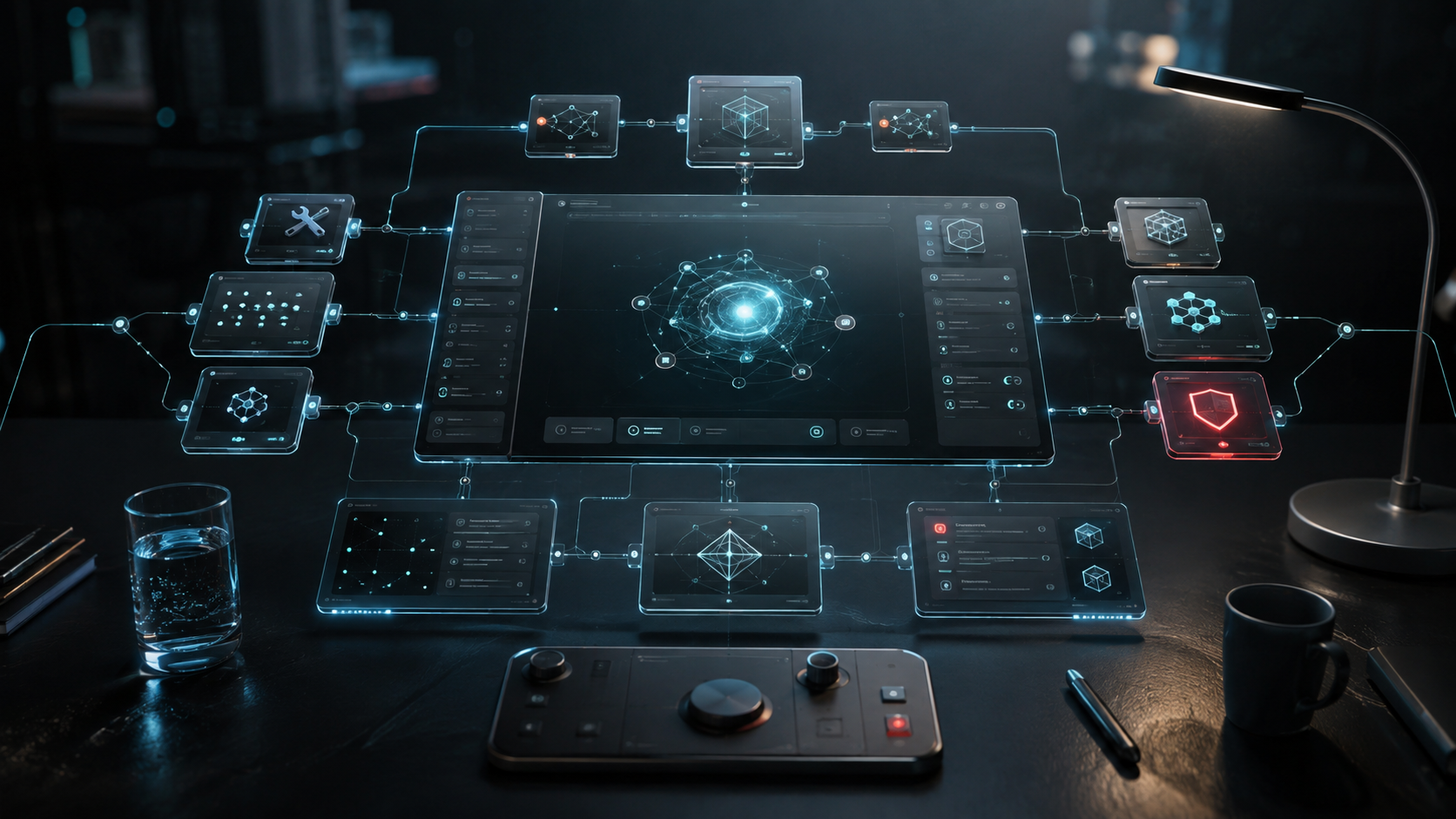
Bottom line: an agent core should not be an unreplaceable black box
Many AI agent projects start like a function: receive a prompt, call a model, run a few tools, and return the result. As requirements grow, model providers, tool registration, session logs, filesystem workspaces, sandboxes, approval flows, and a Web UI are added one by one. The function quickly becomes a monolith that is difficult to replace.
DeepSeek Harness (dsh) takes a different route. Its official documentation describes it as an agent harness with an everything-is-a-plugin architecture. The model adapter, tool registry, session log, agent loop, and both Web and headless modes are composed as plugins. The value is not modularity alone: replacement becomes a first-class capability. A team can layer, override, or unload behavior through another plugin without patching a privileged core.
There is an important caveat. DeepSeek Harness is currently a developer preview, and the README explicitly warns about compatibility-breaking changes. It is therefore better suited to studying composable agent architecture, building internal prototypes, and evaluating plugin boundaries than to serving as a stable production platform.
What problem does it target?
If a team only needs one LLM API call, dsh may be too much. It targets workflows that keep changing: switching model providers, reusing the same agent loop in Web and headless execution, replacing tools and approval policies independently, and composing different environments through profiles instead of copying an application.
The common factor is that the composition changes, not merely a prompt. If every replacement requires forking the core and editing several dependent modules, maintenance cost rises quickly with feature count.
Architecture: plugins, Cordis, profiles, and bundles
1. Plugins are the common composition unit
DeepSeek Harness uses Cordis as its underlying framework. According to the architecture document, plugins contribute services, typed events, and reversible effects to a shared context; when a plugin unloads, its registrations can unwind through the same lifecycle model. Installing and revoking a capability therefore follow one composition model.
There is no privileged core that must be patched directly. Model adapters, tool registration, session logs, and the agent loop are replaceable components. The extension point is a plugin mounted into the context, not a hook hidden inside a core file.
2. Profiles describe executable environments
A profile is a named composition stored in the Harness home. It lists bundles, keeps out-of-tree plugins, and stores the user’s cordis.patch.yml. The project ships web and headless as profile templates.
Think of a profile as a recipe for a work mode: Web needs a browser interface and server, while headless fits one-shot or automated jobs. Different deployment scenarios can keep different profiles instead of pushing every condition into one global configuration.
3. Bundles define distribution and override boundaries
A bundle distributes Cordis configuration rows and the code they mount. Bundles apply in order, and higher layers can patch what lower layers inserted. The architecture documentation uses dsh-base, dsh-web-app, and dsh-headless as examples: base provides model adapters, tools, persistence, sandbox, approval policy, settings, credentials, and telemetry; web-app adds the browser application; headless adds a one-shot runner without a server.
The important point is not the terminology but the explicit composition order. When changing an approval policy or tool set, first ask which layer should receive the patch instead of editing the base bundle directly.
Getting started: launch the Web UI and verify one task
Prerequisites
The shortest path in the official README uses npx; install Node.js first. For source development, the development guide additionally requires Node.js 22.19+ or 24+, Corepack-enabled pnpm, and Git 2.26+. To run a real model task in the Web UI, configure a DeepSeek API key in Settings. Never put credentials in commands or logs.
Option 1: launch through npm
npx @deepseek-ai/dsh webThe default Web UI address is http://127.0.0.1:3080. Open it in a browser, then go to Settings → Models and configure the provider. Click Choose workspace and add the project directory from which dsh was started; the session composer remains unavailable until a workspace is selected.
For a first verifiable task, use the example from the official guide:
Summarize this repository and identify its main packages.
This checks that the model configuration works, workspace access is available, and the agent can read and summarize project files. The Web UI asks for approval before operations that require it under the active permission policy.
Option 2: run from source
Check Node.js, pnpm, and Git first, then run:
git clone https://github.com/deepseek-ai/deepseek-harness.git
cd deepseek-harness
pnpm install
pnpm run build
pnpm dsh web
The first install configures worktree-local Lefthook hooks and the dsh-translation-pairing merge driver through postinstall. If hooks are missing, follow the development guide and run node scripts/install-lefthook.mjs, then use pnpm run typecheck for the first check. These are development workflow integrations, not additional runtime features required by the Web UI.
A practical order for maintainable adoption
First: fix the execution mode before customization
Use the web profile to verify model, workspace, and approval behavior before evaluating headless. Do not change the model adapter, tools, and permissions all at once; otherwise it becomes difficult to distinguish composition problems from a single plugin failure.
Second: put changes in plugins or patch layers
For a new tool, first determine whether it belongs in a plugin. For an existing setting, study bundle order and cordis.patch.yml. Direct edits under packages/ make upgrades and rollback harder and work against the no-privileged-core design.
Third: test approval boundaries with small tasks
Do not test only whether the agent can answer. Test file reads, file writes, commands, and multi-step work separately. Record which actions require approval, how the agent recovers after rejection, and whether session logs retain enough information.
Fourth: treat profiles as reviewable deployment units
When Web, headless, and automated jobs need different permissions, separate profiles are easier to review than a large set of runtime environment switches. Version bundles, external plugins, and patches together, and rerun typecheck and critical tasks when upgrading the developer preview.
Limits and risks
The first limit is compatibility. The project is a developer preview and explicitly warns about breaking changes, so its CLI, plugin APIs, and profile format should not be treated as long-term stable contracts.
The second is ecosystem maturity. Everything-is-a-plugin provides replaceability, but it also requires understanding Cordis context, lifecycle, layer ordering, and patch behavior. Without tests and version pinning, composition freedom can become a debugging burden.
The third is security responsibility. An approval UI does not replace a threat model. Workspace, shell, sandbox, credentials, and telemetry settings still require least privilege, isolation, auditing, and sensitive-data controls.
The fourth is adoption cost. A simple SDK or tool-calling loop may be a better fit for a service that only needs one API call. The value of dsh appears when the team repeatedly replaces agent components.
Who should try it first?
Three groups are a good fit: AI platform teams that support multiple model adapters and tool sets; internal automation teams that need Web and headless execution with an approval and audit test matrix; and agent infrastructure researchers studying reversible plugins, layered composition, and replaceable loops.
Teams that need a stable API, long-term support, or production SLA this week should isolate the evaluation instead of treating the project as mature because of stars or brand recognition.
Conclusion
DeepSeek Harness is notable not merely because it offers another agent UI, but because it puts models, tools, sessions, permissions, and the loop into one plugin-composition model. Cordis provides context, events, and reversible effects; profiles describe work modes; bundles provide distributable and patchable layers.
The practical path is to run a minimal task with npx @deepseek-ai/dsh web, inspect profiles and bundles from a source checkout, and only then build a plugin or permission policy. Treating it as a developer preview for composable agent architecture is more accurate than treating it as a stable all-purpose platform.
References