UI UX Pro Max:把設計系統推理帶進 AI coding workflow
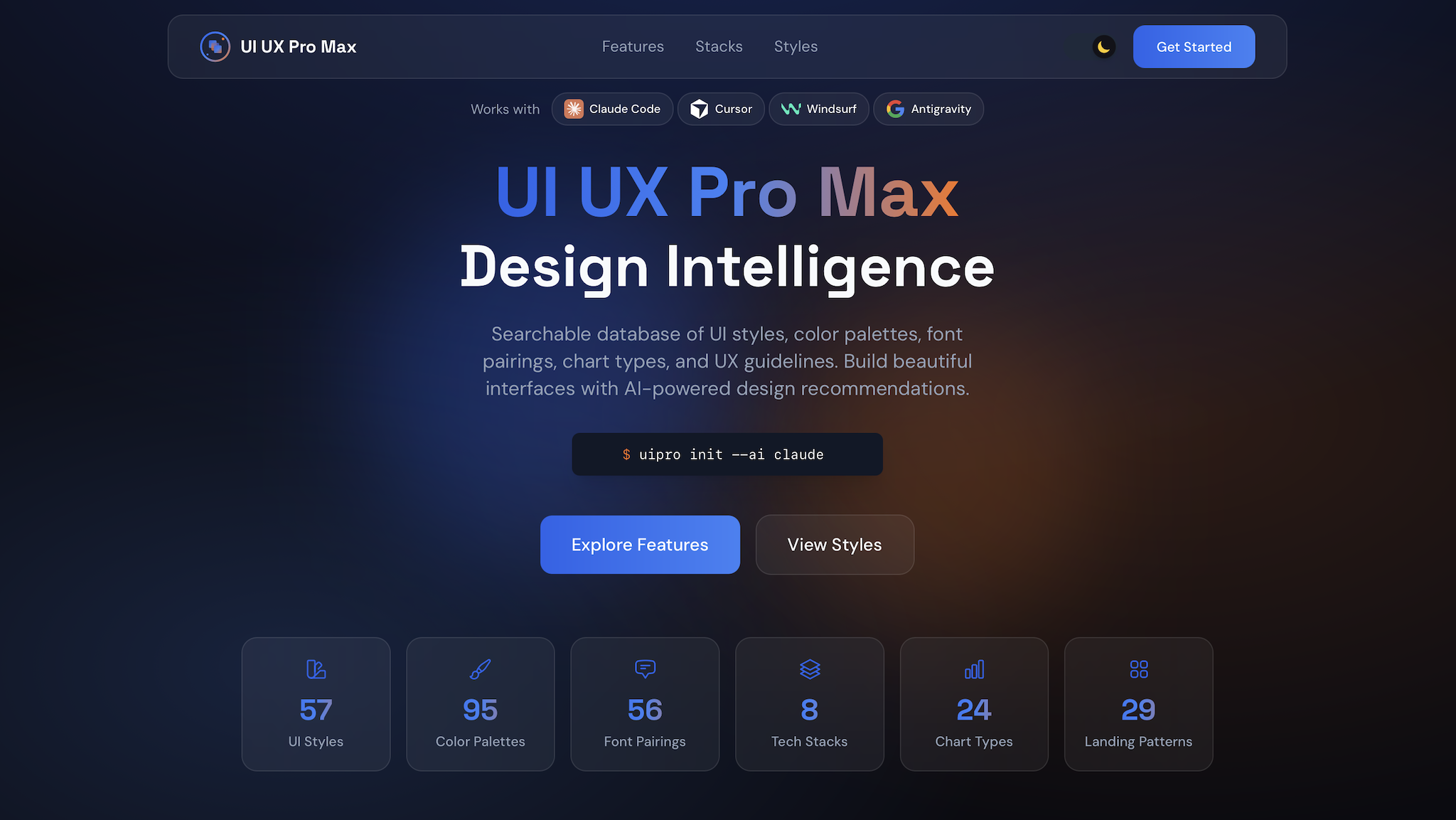
UI UX Pro Max: Bringing design system reasoning into AI coding workflow
AI coding tools can already generate pages quickly, but there is still a whole set of product, visual and UX judgments between "running" and "like a designed product". The entry point of nextlevelbuilder/ui-ux-pro-max-skill is not to provide a set of static components, but to organize product types, layouts, colors, fonts, interactions and anti-patterns into searchable and inferable design knowledge, allowing the AI coding agent to obtain an executable design system before writing the UI.
This article is based on the repository status queried by GitHub on August 7, 2026: the project is licensed under the MIT License, the main language is Python, GitHub displays approximately 114,000 stars, and the latest push was on August 6, 2026. Numbers will change over time, please refer to the repository page.
Let’s talk about the conclusion first: it solves the “design decision gap”
Many landing pages generated by AI have similar problems:
- There is a hero on the first screen, but there is no information structure selected for the product type.
- Colors, fonts, and components are beautiful individually, but they don’t look like the same design system when put together.
- Interaction state, keyboard focus, contrast and responsive breakpoint are often added last.
- The prompt only describes "make a modern SaaS", so the model returns to the familiar purple-pink gradient and glass effect.
UI UX Pro Max breaks these decisions into structured data and rules, and then generates design suggestions through search scripts. For the AI agent, the input is no longer just "make a page", but can become: product type, recommended layout pattern, UI style, palette, font pairing, interaction effects, and pre-delivery checklist.
Its core architecture
As can be seen from the repository directory and README, the project consists of three levels.
1. Multi-platform skill template
.claude/skills/, src/ and cli/assets/ contain skills, templates and materials for different AI coding tools. The target platforms listed in the README include Claude Code, Cursor, Windsurf, Codex CLI, Gemini CLI, OpenCode, GitHub Copilot, Kiro, etc. It also supports installation to .agents/skills/ with the universal target.
The value of this design is that design knowledge is not tied to a particular agent. Users can first create a project using the same set of design rules, and then change the coding assistant without having to rearrange the prompt.
2. Design database and search engine
The project puts product type, style, color, font, layout, graphics and UX guideline into a searchable data file. The README currently lists 192 product types and color pairings, 84 UI styles, 74 font pairings, 25 chart types, 22 technology stacks, and 98 UX guidelines; there are also 161 industry-specific reasoning rules.
The most important thing here is not the total number, but the clear routing relationship between the data. For example, when a user requests a "medical appointment," the system not only returns a color, but also considers appropriate information architecture, trustworthiness, fonts, interactive effects, and visual anti-patterns that should be avoided.
3. `uipro` CLI installation and update
The CLI makes skill installation a repeatable workflow instead of manually copying a bunch of files:
npm install -g ui-ux-pro-max-cli
uipro init --ai claude
If you use other tools, just replace the target platform, for example:
uipro init --ai cursor
uipro init --ai codex
uipro init --ai copilot
uipro init --ai universal
README also provides options such as uipro update, uipro uninstall, --global and --offline. For the team, this is easier to maintain than manual installation of skill content scattered across each project; for agent workflow, installation and updates can be included in the bootstrap script.
How is a request translated into the design system?
Taking "create a beauty spa landing page" as an example, the process described in the README can be organized into the following steps:
1. Analyze product type and demand semantics.
1. Search product category, UI style, color palette, landing page pattern and typography pairing at the same time.
1. Find relevant information using sorting logic such as BM25.
1. Apply industry rules and anti-pattern filtering.
1. Output pattern, style, colors, typography, effects, anti-patterns and pre-delivery checklist.
This process is very different from the general "ask AI to help me choose a color" prompt: it breaks down the design decision into multiple checkable intermediate results. When the generated results are not ideal, you can ask whether the product type is misjudged, the style sorting is inappropriate, or the palette and mode are inconsistent, instead of having to draw a new prompt.
In actual use, it is recommended to place it between requirements and coding
The most effective usage is not to let the agent read UI UX Pro Max after writing the page, but to generate a design brief before coding. You can use this workflow:
Step 1: Describe the product first, don’t specify the vision first
Build a responsive appointment booking page for a dental clinic.
Primary users are first-time patients. Prioritize trust, accessibility,
clear appointment steps, and mobile conversion.
Step 2: Require the agent to output the design system first
Let the agent list pattern, style, palette, typography, spacing, states, and anti-patterns before starting to write React, Vue, or HTML. This step can change "make the picture first and then modify based on feeling" to "form reviewable design decisions first."
Step 3: Treat the design system as an implementation constraint
Subsequent prompts should require components to adhere to the same set of tokens, font scale, color semantics, focus state, hover state, and breakpoints. If using Tailwind CSS, shadcn/ui or other component schemes, these rules should also be mapped to actual class and component props.
Step 4: Finally run the UX checklist
README delivery check items include avoiding using emoji instead of icon, clickable elements having cursor state, hover transition, text contrast, keyboard focus, prefers-reduced-motion, and responsive widths such as 375, 768, 1024, 1440 px. These items may seem basic, but they are the most easily missed quality thresholds for AI-generated UI.
Three things that AI developers should pay attention to in this project
Design knowledge becomes a tool that agents can call
Traditional design guidelines are usually human-readable documents; this project puts the guideline in the same repository as data files, search scripts, and platform templates, allowing the agent to obtain structural suggestions before generating code. This is an example of converting "design specifications" into "agent toolchain".
Cross-platform support is not just about changing file names
Different assistants have different requirements for skill paths, prompt file names, and frontmatter. Recent commits have specially dealt with Copilot's .prompt.md layout, Codex's .agents path, and multi-platform template synchronization, indicating that true cross-platform integration includes installation paths, asset layouts and uninstallation logic, rather than simply copying the same Markdown.
Inference rules can continue to evolve
Recent changes to the project include modifications to the design system mode: first determine the light/dark mode, and then select a matching palette to avoid outputting a dark style with a light background. This type of revision means that the design system is not a one-time prompt, but can be tested, revised, and versioned like software rules.
Restrictions to note
First, UI UX Pro Max provides a starting point for design decisions, not a substitute for product research. It doesn't replace real user interviews, brand strategy, content design, or conversion data.
Second, the number of functions and platform list of the README will evolve with the version, and the statistical calibers of different paragraphs in the document may be different. When officially importing, the CLI version installed on the local machine and the current assets in the repository shall prevail.
Third, the quality of search results depends on the demand description. Just typing "make it nice" will still give you a broad range of results; the more clearly you spell out the users, product mission, platform, accessibility requirements, and brand constraints, the better the chance that the inference rules will work.
Fourth, npm install -g may encounter permissions or Node version issues. The README recommends using Node version manager, or switching to npx which does not require global installation; Python 3.x is a requirement for searching scripts.
Which teams is it suitable for?
- AI coding heavy users: I hope that the screen generated by the agent will not return to the same set of templates every time.
- Front-end and design collaboration team: Need to convert design principles into a reproducible workflow.
- Solo builder to quickly verify products: I don’t have a full-time designer, but I also want to establish a reasonable UI/UX baseline first.
- Multi-model, multi-tool teams: Design rules need to be shared between tools such as Claude Code, Cursor, Codex CLI, Copilot, etc.
If your requirement is just to check what CSS should be used for a button, this project may be too complete; but if you are establishing a product development process involving AI agents, it provides a good middle layer: converting natural language requirements into design decisions, and then converting design decisions into programming code constraints.
Conclusion
The next question in AI coding is not just "can the model write more code", but "can the model make consistent, explainable, and verifiable product decisions before writing code". The value of UI UX Pro Max is to provide a set of installable, searchable, and cross-platform shareable design intelligence in this gap.
For the practice team, the most worthwhile method to try first is simple: install the CLI, select a platform, let the agent generate the design system first, and then start implementing the first page. When the UI changes from "improvised output of the model" to "generated results constrained by rules", it will be easier for you to check the quality, and it will be easier to copy successful practices to the next project.