Godot 4.7: Turning an AI Generated Game Prototype into a Verifiable Cross Platform Product
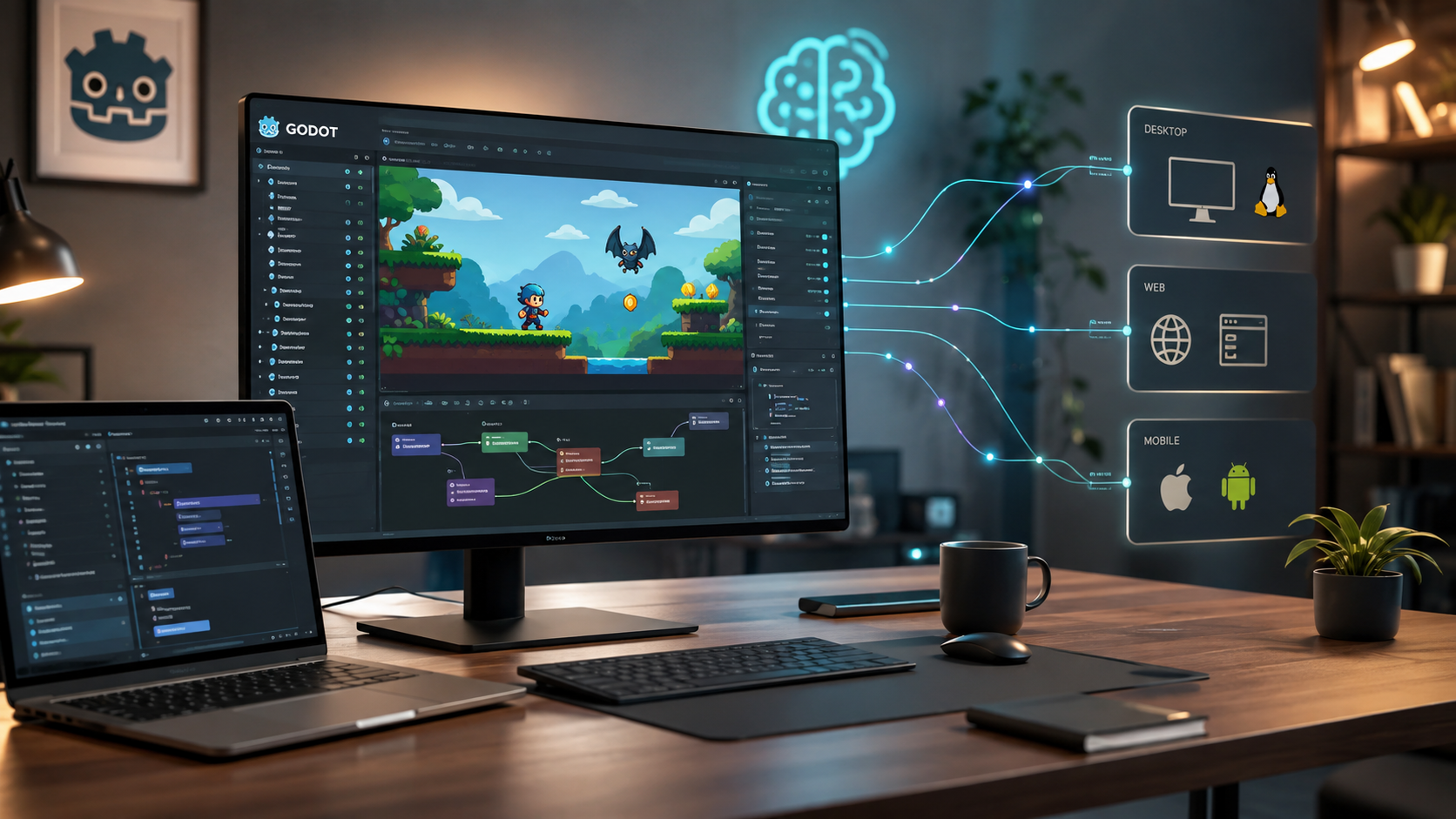
Godot 4.7: Turning an AI Generated Game Prototype into a Verifiable Cross Platform Product
If I treat an AI coding agent as a collaborator for quickly exploring ideas and code, I do not let it decide the final shape of a game project by itself. The places that need a stable boundary are scene composition, input handling, asset export, and repeatable validation.
That is why I chose Godot for this review. godotengine/godot is an MIT licensed open source 2D and 3D game engine. Its official README puts cross platform editing, game creation, and exporting inside the same workflow. GitHub API data checked on August 26, 2026 showed 116,156 stars and a latest push on August 25, 2026. The 4.7.2-stable release was published on August 18. Godot is not worth examining because it has AI built in. It is worth examining because it can pull AI generated prototypes back into an executable, testable, and deliverable engineering environment.
I separate the problem into two layers
I split the responsibilities between AI and Godot:
1. AI explores: it turns vague ideas into gameplay specifications, scene trees, input maps, test cases, and small code changes.
2. Godot converges: scenes, nodes, resources, signals, and export settings turn those results into an executable project.
This separation matters. AI is good at proposing five ways to control a character, but it should not decide the entire project state model without boundaries. Godot project files, scene files, and GDScript provide inspectable intermediate artifacts, so I can accept or reject changes one boundary at a time.
Why Godot works as a convergence layer
1. Scenes are inspectable composition units
Godot is more than a visual editor. A scene can be composed from nodes and instantiated into other scenes. For AI assisted development, this means I can divide the requirements into a player scene, an enemy scene, a level scene, and a UI scene. I can ask an agent to modify one boundary at a time instead of letting it search and rewrite the whole repository.
2. GDScript keeps small validation loops cheap
A player controller can remain very small at first. I can validate input, speed, and collision before adding animation, effects, and game state. For example, this script handles movement without mixing in camera, audio, or scoring logic:
extends CharacterBody2D
@export var speed := 220.0
func _physics_process(_delta):
    var direction := Input.get_vector(
        "ui_left", "ui_right", "ui_up", "ui_down"
    )
    velocity = direction * speed
    move_and_slide()
This small unit is a good target for an AI generated first draft, but acceptance still belongs to the human and the engine: does input work, does collision behave as expected, and does diagonal movement have a sensible speed? If the answer is unclear, I do not add another feature yet.
3. Export belongs to the workflow, not the final day
Godot documents both editor and command line workflows. The practical approach is to put two checks on the validation list: the project can open, and the target platform build can be produced.
godot --headless --path . --editor --quit
godot --headless --path . --export-release "Linux/X11" build/game.x86_64
The first command can expose project, resource, or script loading problems early. The second makes the export preset and output path explicit. In a real project, replace Linux/X11 with an Export Preset configured in that project and install the matching export templates in the CI runner. The important idea is not memorizing one platform name. It is making a successful export a repeatable check.
How I would structure an AI assisted Godot project
I would not ask an agent to make a complete game in one step. I would start with a vertical slice that can be validated in a day: one scene, one player, one interaction target, and one success condition.
The initial project structure can stay simple:
project.godot
scenes/
  main.tscn
  player.tscn
scripts/
  player.gd
  game_state.gd
assets/
  placeholder.svg
build/
Then I would divide the work into rollback friendly steps:
1. Specification: ask AI to express the gameplay as inputs, state transitions, and completion criteria before writing code.
2. Scene: build the smallest node tree and confirm that each script is attached only where it is needed.
3. Behavior: add one observable behavior at a time, such as movement or picking up an object.
4. Validation: combine manual tests with headless import checks to catch spelling, path, and resource reference errors.
5. Export: run a target platform export before the feature is finished, so missing templates or platform settings do not appear at the end.
I would give a coding agent a request like this:
Modify only `scripts/player.gd`. Use Godot 4 `CharacterBody2D`, add four directional input and an adjustable speed. Do not add external packages and do not change the scene tree. First list your assumed Input Map, then provide a manual verification checklist.
This prompt looks slower than “make character movement.” In practice it is faster because it states the change boundary, version, prohibitions, and acceptance method. If the output is wrong, I can revert one small step instead of searching the whole project for differences.
The three acceptance checks I care about most
Are assets and code traceable?
Placeholders are fine during prototyping, but every asset needs a source and license. Godot itself is MIT licensed; that does not make every imported font, sound, image, or model MIT licensed. If an AI suggests an external asset URL, I ask it to record the source, license, and project path in a checklist instead of downloading it directly.
Do scenes and scripts have clear boundaries?
When every behavior is placed in main.gd, the next AI change can easily break the entire game. Separating player, level, UI, and game state, and using signals for necessary event notifications, is usually cheaper than building everything first and organizing it later. A readable scene tree is documentation that helps both people and agents understand the system quickly.
Can the exported result actually run?
Seeing a project in the editor and starting a deliverable build are different things. After every important change I want at least one headless check, and near a milestone I want an actual platform build. If the project will eventually support web, desktop, and mobile platforms, I also want the differences between Export Presets recorded in version control instead of living only on one development machine.
What Godot will not solve for you
I would not present Godot as an AI game development shortcut. It solves engine level composition, execution, and export. It does not decide whether a game is fun, and it does not guarantee that AI generated code has no state bugs.
I would therefore keep three boundaries:
- AI may propose changes, but it cannot skip testing and human review.
- Every new asset must have a source and license record.
- Every vertical slice must be importable and buildable again in a clean environment.
My conclusion
Star count is not the reason to choose Godot. The reason it belongs in an AI Chain engineering workflow is that it provides a clear convergence surface: AI can explore quickly, while Godot turns exploration into nodes, scenes, scripts, and an exportable product.
If you are using AI to prototype a game, I would not start by generating more content. I would first build a short and reliable loop: specification, minimal scene, one behavior, repeatable validation, and a real export. Once that loop is stable, AI can expand into asset generation, level drafts, and test cases without trading speed for unmanageable maintenance cost.
References