LightRAG: A Practical Guide to Combining Knowledge Graphs and Vector Retrieval in RAG
LightRAG: A Practical Guide to Combining Knowledge Graphs and Vector Retrieval in RAG
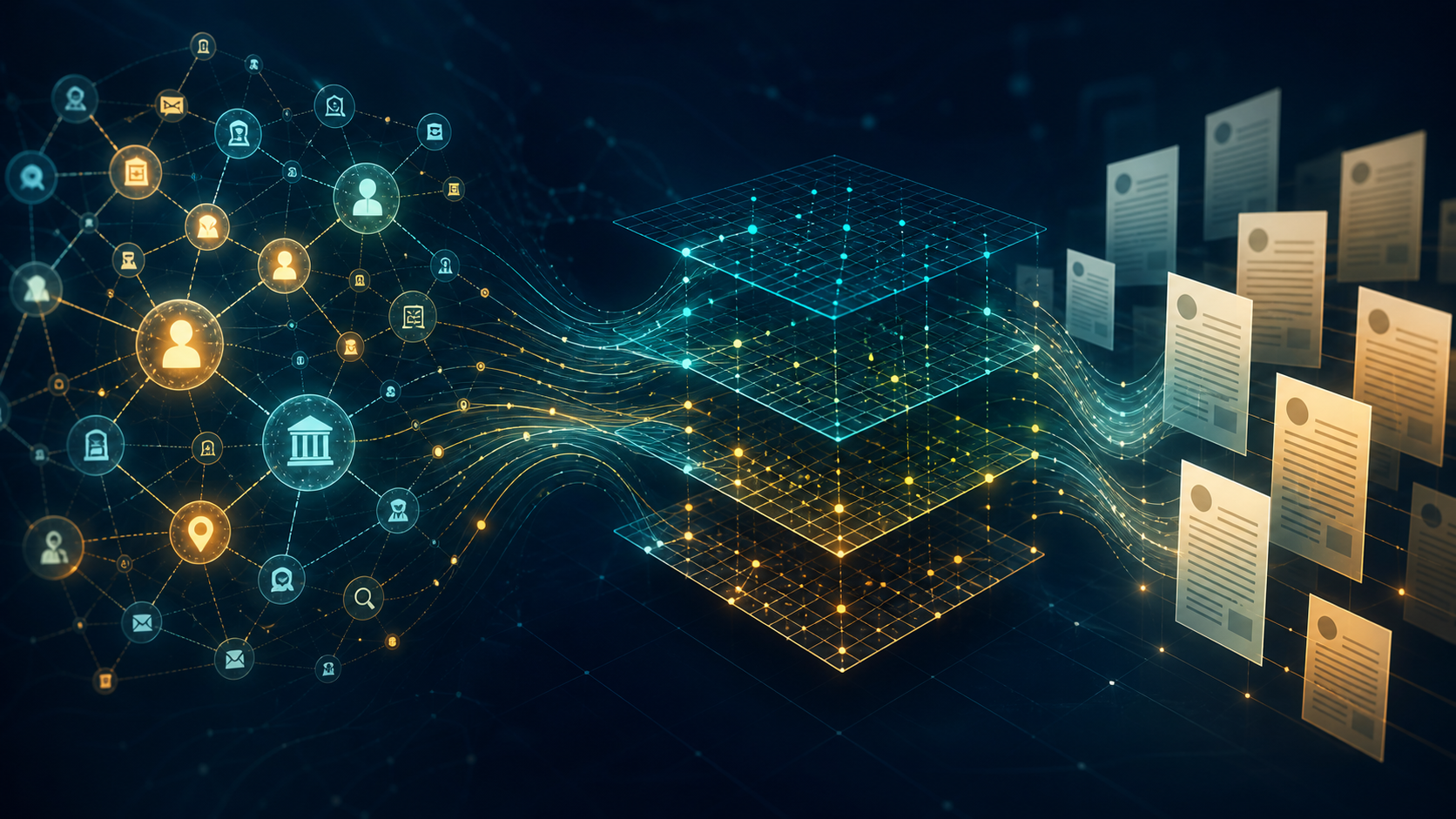
If your RAG system relies only on vector similarity, it can struggle with questions that require cross-document comparison, relationships between several entities, or a broad understanding of a topic before returning to specific details. LightRAG offers another path: it maintains a knowledge graph and vector indexes in the same workflow, allowing retrieval to move between local entities, global relationships, and original text chunks.
This article is based on the official LightRAG repository and documentation. It explains the architecture, query modes, document-processing pipeline, and a minimal deployment path for a usable RAG service. The goal is not to treat a knowledge graph as a slogan, but to understand what is extracted, where model calls are spent, and when a REST API is a better choice than embedding the SDK directly.
What problem does LightRAG solve?
LightRAG is a Python knowledge-graph RAG framework. The project uses the MIT License and provides the lightrag-hku package together with the lightrag-server command. It is neither a new LLM nor simply a vector database. It sits at the layer that decides how documents become searchable representations and how context is assembled for an LLM.
A typical chunk-based RAG pipeline is:
1. Split documents into text chunks.
2. Convert chunks into embeddings and write them to vector storage.
3. Retrieve several similar chunks when a user asks a question.
4. Give those chunks to an LLM to generate an answer.
LightRAG keeps this path and also extracts entities and relationships from text during indexing. It builds a knowledge graph and searchable representations for chunks, entities, and relationships. A query therefore does not have to rely only on the few text chunks that look most similar; it can also use entity relationships and cross-document themes.
This design is useful for policies, research papers, legal documents, financial documents, and product manuals that require context across sections or files. It does not automatically remove data-quality problems, however. Extraction quality still depends on parsing, chunking, the LLM, and prompt design.
Core architecture: two retrieval layers
The important idea is not merely adding a graph. LightRAG combines two retrieval layers:
- Vector layer: stores text chunks and vector representations for chunks, entities, and relationships, enabling semantic recall.
- Graph layer: represents entities as nodes and relationships as edges, preserving links across text chunks.
- KV and document-status layer: stores source documents, chunk results, LLM response caches, extraction results, and processing status.
This separation also appears in the storage configuration. LightRAG uses four storage roles:
KV_STORAGE: LLM caches, documents, and extraction results.VECTOR_STORAGE: vectors for text chunks, entities, and relationships.GRAPH_STORAGE: the knowledge graph.DOC_STATUS_STORAGE: document lists and processing status.
The default storage is useful for development and evaluation: data is kept in local persistent files and in-memory databases. For production, the project supports backends such as PostgreSQL, MongoDB, OpenSearch, Milvus, Qdrant, Neo4j, and Memgraph. Being able to run locally does not mean the default storage is ready for concurrent writes or large-scale deployment.
Five query modes for five question shapes
LightRAG provides five query modes. Understanding them is more useful than sending every question through the most complex mode.
`naive`: a traditional vector-RAG baseline
naive does not use the knowledge graph. It retrieves from the original text chunks with vector similarity. It is useful as a baseline and for questions that only need one clear piece of text.
`local`: specific entities and details
local focuses on candidate entities, their direct relationships, and associated context. Questions such as “What is the timeout setting for this product?” or “Who is the contracting party?” are good starting points for this mode.
`global`: themes and cross-document relationships
global focuses on broad themes, relationship chains, and cross-document reasoning. Questions such as “What risks do these papers identify in common?” or “How did the policy change across versions?” need more than simple similarity recall.
`hybrid`: local plus global
hybrid combines local entities and global relationships. It is useful when a question contains both a concrete object and a request to understand that object's relationship to a broader topic.
`mix`: local, global, and original chunks
mix combines local, global, and naive results, and is the default mode in the official README. Its context is often the most complete, but complete is not always better. Longer context increases input cost and can introduce low-relevance material. Compare answer quality, latency, and token cost on a real evaluation set instead of relying on the mode name.
What happens after a document enters the system?
A large part of the quality ceiling is determined before a query is ever sent. The process can be viewed as these stages:
1. Parse the document: extract text, tables, images, and formulas from formats such as PDF, Word, and Markdown.
2. Create chunks: split content with fixed-length, recursive-character, vector-semantic, or paragraph-semantic strategies.
3. Extract entities and relationships: an extraction LLM reads chunks and produces graph nodes and edges.
4. Create embeddings: embed chunks, entities, and relationships.
5. Write to storage: preserve source data, graph data, vectors, and processing status.
6. Retrieve and generate: recall context according to the query mode and let a query LLM generate the answer.
The cost that is easy to miss is entity-and-relationship extraction. It invokes an LLM repeatedly across many chunks. The official guidance therefore recommends separate models for extraction and querying. The extraction model should favor speed and cost efficiency, while the query model should be stronger at organizing long context. The keyword step should also use a low-latency model. For images, tables, and formulas, a VLM can participate in indexing and querying.
Chunking is more than a length limit
LightRAG supports fixed-length F, recursive-character R, vector-semantic V, and paragraph-semantic P chunking. The P strategy attempts to align boundaries with headings, paragraphs, and tables. This is especially useful for manuals and papers with clear structure.
Choose a strategy based on the document type:
- For documents with clear structure, test
Pfirst. - For short or irregular plain text, start with
Ras a simple baseline. - For long prose that needs semantic boundaries, compare
VandP. - For papers with many references, watch for large numbers of low-value entities. The
Pstrategy supports dropping reference blocks to reduce indexing timeouts.
Minimal deployment: start with the Server
The official README recommends the LightRAG Server REST API for integration and positions the SDK mainly for embedded applications, research, and evaluation. This is a sensible engineering boundary: the Server already covers the API, Web UI, document upload, query flow, and deployment settings, reducing direct coupling to internal SDK APIs.
The minimal installation path is:
# Install the API package as a uv tool
uv tool install "lightrag-hku[api]"
# Prepare the environment file and configure the LLM, embedding, and storage
cp env.example .env
# Verify the security settings before starting the service
lightrag-server
You can also use Docker Compose from a source checkout:
git clone https://github.com/HKUDS/LightRAG.git
cd LightRAG
cp env.example .env
# Edit .env before starting the service
docker compose up
Configure authentication before exposing the service
The official configuration notes that the Server binds to 0.0.0.0 by default. Without LIGHTRAG_API_KEY, or without AUTH_ACCOUNTS together with TOKEN_SECRET, endpoints may be publicly reachable. Before production deployment:
- Bind local development to
127.0.0.1when external access is unnecessary. - Configure an API key or account authentication before exposing the service.
- Review the whitelist policy for the Ollama-compatible
/api/*routes instead of protecting only the Web UI. - Keep
.envin secret management and out of Git. - Add a reverse proxy, TLS, network ACLs, and rate limits where appropriate.
Direct Python SDK usage
If you need to embed the ingestion pipeline in your own application, the official example uses LightRAG and QueryParam:
import asyncio
from lightrag import LightRAG, QueryParam
from lightrag.llm.openai import gpt_4o_mini_complete, openai_embed
WORKING_DIR = "./rag_storage"
async def main():
    rag = LightRAG(
        working_dir=WORKING_DIR,
        embedding_func=openai_embed,
        llm_model_func=gpt_4o_mini_complete,
    )
    await rag.initialize_storages()
    await rag.ainsert("A document to index.")
    answer = await rag.aquery(
        "What is the main topic of the document?",
        param=QueryParam(mode="mix"),
    )
    print(answer)
    await rag.finalize_storages()
asyncio.run(main())
This shows the API shape, not a production configuration. A real deployment still needs credentials, an embedding model, timeout settings, concurrency limits, and a storage backend. Use try/finally so that finalize_storages() is called after an exception. If the goal is to connect RAG to an existing Web service, the REST API is usually easier to maintain than managing the SDK lifecycle directly.
Cost, latency, and consistency decisions
Measure indexing and querying separately
Indexing includes parsing, chunking, entity-and-relationship extraction, and embedding. Querying includes keyword extraction, retrieval, reranking, and final generation. They have different bottlenecks and should not be evaluated with a single answer-latency number.
LightRAG exposes settings such as MAX_ASYNC_LLM, EXTRACT_ASYNC_LLM, MAX_PARALLEL_INSERT, EMBEDDING_FUNC_MAX_ASYNC, and EMBEDDING_BATCH_NUM for concurrency tuning. Higher concurrency can reduce indexing time but increases the pressure on API limits, memory, and storage. Start with a small document batch, raise concurrency gradually, and record retries, failures, and actual token cost.
Treat the embedding model as part of the data schema
The official documentation warns that the embedding model must be selected before indexing and kept consistent during querying. Changing it normally requires recomputing embeddings for chunks, entities, and relationships. Some backends also require recreating vector columns with the new dimension. The embedding model is therefore closer to a data-schema decision than a casual deployment variable.
Reranking trades quality for latency
Reranking can improve the order of retrieved context, but it adds latency. For latency-sensitive products, measure its real benefit on the evaluation set before enabling it. For larger collections, a locally deployed or dedicated reranker can reduce the impact of external API round trips.
Limitations: when should you not adopt it immediately?
LightRAG is useful for graph-assisted RAG, but not every question-answering system needs it.
- The question maps to one small, explicit passage: traditional vector RAG may be simpler, cheaper, and easier to debug.
- Document quality is poor: OCR, table parsing, or heading errors can be turned into graph structure and make debugging harder.
- There is no evaluation set: without repeatable questions and expected answers, it is difficult to tell whether
naive,hybrid, ormixactually improves quality. - You only need a small embedded feature: validate the need with a Server or an existing RAG component before taking on graph indexing and storage maintenance.
- You need strongly consistent real-time data: updates, deletions, and extraction are asynchronous and costly; document status, retries, deletion, and re-indexing need explicit design.
The benchmark table in the official README is a project-reported evaluation across several domains and baselines. It is useful context, not a universal guarantee. Re-run the evaluation with your own corpus, language, models, and query set before making a production decision.
A recommended adoption sequence
For a real AI application, I would use this order:
1. Establish a quality and cost baseline with naive.
2. Select a small representative document set and verify that parsing and chunking preserve headings, tables, and references.
3. Compare local, global, hybrid, and mix with an offline evaluation matrix.
4. Measure extraction, keyword, query, and VLM models separately.
5. Lock the embedding model, vector dimension, and storage schema before importing production data.
6. Integrate through the REST API first; use the SDK directly only when core-level customization is necessary.
7. Complete authentication, TLS, backup, deletion, and re-indexing procedures before launch.
Conclusion
LightRAG is valuable not simply because it adds a graph to RAG, but because it puts several retrieval scales into one configurable workflow. naive handles text similarity, local handles entity details, global handles cross-document relationships, and hybrid and mix provide different trade-offs between completeness and cost. For teams working with cross-document reasoning, structured relationships, or multimodal documents, it is an open-source framework worth evaluating.
The right way to adopt it is not to send every document through mix immediately. Establish a baseline, verify parsing and chunking, measure indexing cost, and then choose query modes and storage backends. That is how you determine whether the knowledge graph improves answer quality or merely adds system complexity.