Unsloth Is More Than a Fine-Tuning Accelerator: Building a Local Workbench for Models, Agents, and Deployment
Unsloth Is More Than a Fine-Tuning Accelerator: Building a Local Workbench for Models, Agents, and Deployment
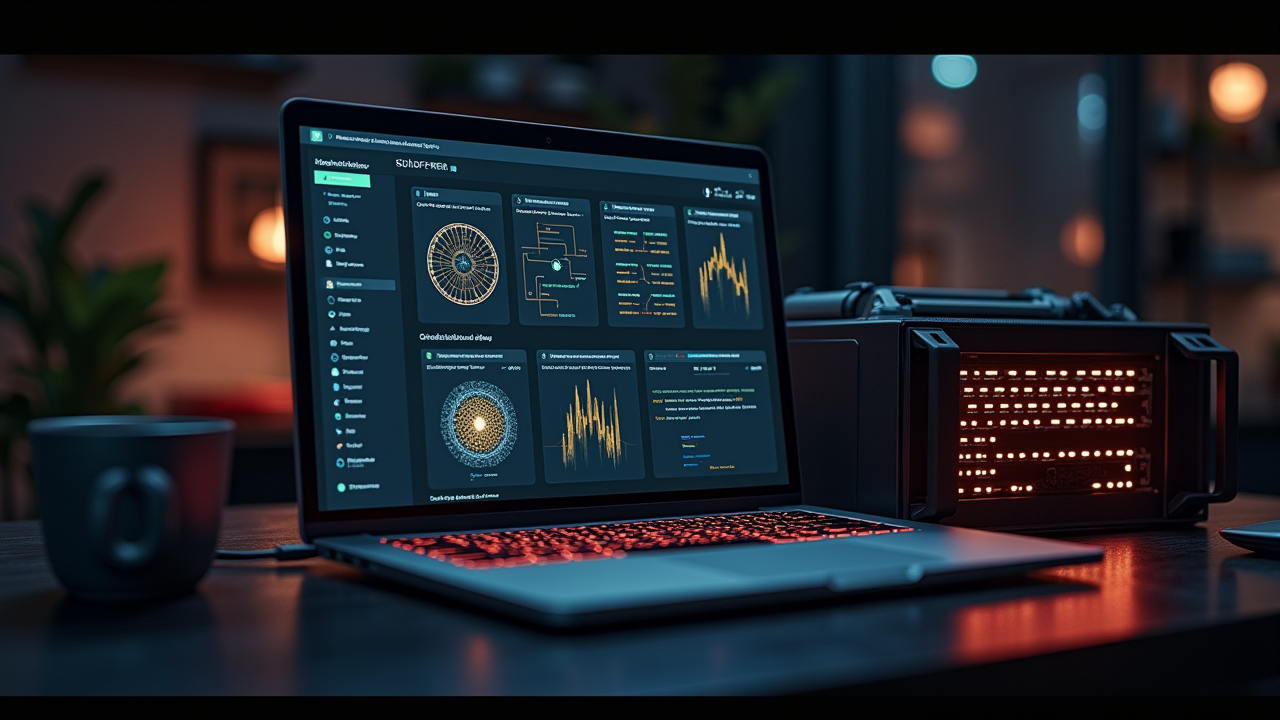
If you only think of Unsloth as a Python package that makes LoRA and QLoRA fine-tuning use less VRAM, you are missing its current direction. The official README now presents Desktop, Studio, and Core as three ways to use the project. The scope covers local model execution, data recipes, fine-tuning, reinforcement learning, GGUF / FP8 / NVFP4 export, an OpenAI-compatible API, and connections to tools such as Claude Code, Codex, and Hermes Agent.
What matters is not simply that the feature list has grown. Unsloth is trying to put more of the model lifecycle into one local workbench: load a model and data, train or evaluate it, export the result for a target runtime, and then expose it to an API or an agent workflow. That is especially useful for individual developers, small teams, and organizations that need private data to remain inside their own environment.
The Short Version: Unsloth Reduces the Switching Cost of Local AI
I would describe Unsloth as three related layers rather than one package.
The first is Unsloth Desktop. The README presents it as the easiest starting point, with downloads for Windows, macOS, Ubuntu, Linux AppImage, and ARM64. It lowers the first barrier for people who do not want to solve Python, PyTorch, and CUDA compatibility before they can try a local model.
The second is Unsloth Studio. It is a browser-based workbench for loading models, chatting, preparing data, training, exporting, and deploying. Studio can run locally and also exposes Docker, an OpenAI-compatible API, an MCP control endpoint, and remote-access options. That makes it closer to a local AI control plane than to a simple dashboard.
The third is Unsloth Core. This is the code-oriented path for teams that already have Python training scripts, data pipelines, and automation. It keeps the flexibility of managing environments, training code, parameters, and outputs as code instead of putting every decision inside a UI.
This separation is important. Desktop solves “get started,” Studio solves “operate in one place,” and Core solves “fit into an existing engineering system.” Treating all three as the same product can create confusion about installation, permissions, and deployment responsibility.
Why Reconsider This Kind of Tool Now
The hard part of running local models is not only downloading a checkpoint. The real chain of problems includes model formats, GPU memory, reproducible fine-tuning environments, export formats, inference services, API compatibility, and tool calling for agents.
Unsloth’s direction is to pull more of those decisions into a single set of entry points. The README lists support for LLMs, diffusion, embeddings, audio, and text-to-speech, together with LoRA, QLoRA, full fine-tuning, pretraining, RL, GRPO, DPO, and FP8. It also places GGUF, NVFP4, and FP8 export next to training, making training and deployment part of one workflow rather than two unrelated projects.
That does not remove engineering work. I see the value differently: Unsloth gives a team a shorter path for validating whether a model, dataset, and hardware setup are worth further investment before building a larger platform around them.
Choosing an Official Entry Point
Desktop: Validate the Local Experience First
Desktop is the shortest route when the goal is to verify that a machine can load a model, chat with it, and perform basic operations. It is suitable for personal experimentation, for non-ML teammates who need one local interface, and for small teams validating hardware and model speed.
Its limitation is also clear: when the workflow needs reproducible data preparation, training, and deployment, you may eventually move to Studio or Core.
Studio: Operate the Model Workflow in One Place
The official installation path can be followed with:
curl -fsSL https://unsloth.ai/install.sh | sh
unsloth studio -p 8888
By default, Studio binds locally. That is a sensible default because its tool surface may include Python, terminal access, and model operations; it is not merely a static dashboard.
For a local-network test, the README documents:
unsloth studio -H 0.0.0.0 -p 8888This exposes the raw port on network interfaces. The secure option keeps the service on localhost and uses a Cloudflare tunnel:
unsloth studio --secure -p 8888I would start with localhost, verify the workflow, and only then choose a secure tunnel or a LAN bind for a real use case. Do not treat 0.0.0.0 as the default production deployment merely because another device needs access.
Core: Put Training Into an Existing Codebase
For an engineering team, Core is valuable because Unsloth can become one component of a Python workflow. The README shows a uv environment using Python 3.13 and automatic PyTorch backend selection:
uv venv unsloth_env --python 3.13
source unsloth_env/bin/activate
uv pip install unsloth --torch-backend=auto
This route fits teams that already manage datasets, training scripts, experiment tracking, and CI. Parameters, data versions, and output formats can be reviewed and reproduced from code rather than reconstructed from someone’s UI actions.
A Reproducible Local Model Workflow
I would split the practical workflow into five stages, and I would not begin with the “train” button.
1. Define the Task Before Choosing the Largest Model
First decide whether the task is chat, classification, tool calling, embeddings, image generation, audio, or reinforcement learning. Each one has different requirements for data format, context length, latency, and hardware.
Because Unsloth supports many models, choice can become a risk. Start with a minimum verifiable task: for example, producing valid structured JSON from a private dataset or completing a fixed set of tool calls. Define the acceptance test before chasing the newest model.
2. Make Data Recipes Inspectable
The README mentions building datasets from PDFs, CSVs, DOCX files, and other sources. Data preparation should therefore be treated as a first-class part of the workflow.
Keep the raw data, cleaned data, and final training format separately. Record the source, transformation time, field rules, and reasons for removing content. Otherwise, when the model improves, you will not know whether the cause was the training method, the data, or an accidentally easier evaluation set.
3. Validate With a Low-Cost Fine-Tune First
LoRA and QLoRA are useful because they adapt a model with fewer trainable parameters and lower memory requirements. The README describes speed and VRAM improvements for some settings, but performance depends on the model, dataset, sequence length, GPU, and configuration. Treat those claims as directional, not as a guarantee for every machine.
Start with a small dataset and a short run. Check training stability, validation improvement, and signs of overfitting. Only then increase the data volume, context length, or number of steps.
4. Treat Export as a Deployment Decision
The target runtime should influence the training plan. GGUF may fit many local inference scenarios, while FP8 or NVFP4 may be appropriate for hardware that supports those formats.
Write down the deployment target at the beginning: a consumer GPU, a Mac, a CPU, a container, a remote GPU, or an OpenAI-compatible service. Compare the exported model using the same test set and record quality, memory use, first-token latency, and tokens per second.
5. Connect Agents and APIs Last
The README describes unsloth start for connecting local models to Claude Code, Codex, Hermes Agent, OpenCode, and other tools. It also documents an OpenAI-compatible API and MCP control endpoints.
This turns a local chat application into a service that another workflow can call. Put this step last because agents amplify both a model’s strengths and its weaknesses. If the model cannot reliably complete the basic task, adding file access, terminal execution, or external tools will only spread that instability.
What `unsloth start` Really Changes
The official examples include:
unsloth start claude
unsloth start codex
unsloth start hermes
A local model can also be used as a sub-agent:
unsloth start claude --as-subagent --model unsloth/model-GGUF:quantThis is more valuable than another chat interface. Developers often lose time configuring a provider, endpoint, model name, and context policy separately in every tool. If Unsloth exposes the local model through a compatible API, switching models becomes a workflow configuration problem instead of a new infrastructure project.
There are three boundaries to keep in mind. API compatibility does not mean identical tool-calling or structured-output behavior. Local does not mean risk-free when an agent can read files, execute commands, or use MCP. And a model server is not an orchestration layer: authorization, memory, retries, auditing, and recovery still belong to the agent or workflow system above it.
Remote Access and Security
The difference between --secure and -H 0.0.0.0 matters. The former keeps Studio on localhost and uses an HTTPS tunnel; the latter binds the raw port to network interfaces.
If you publish a URL, treat the admin password and API key as production credentials. The README warns that a person who can reach the server and obtain its key may be able to use Python, terminal, and other execution tools. That is a much broader risk surface than an ordinary chat endpoint.
Before exposing the service, I would verify that remote access is necessary, prefer a localhost-preserving HTTPS tunnel, use a unique long password, keep API keys out of shell history and repositories, disable unnecessary tools, and separate model caches, datasets, training outputs, and logs.
Local-first is useful because data can stay in your environment, but it does not eliminate network, file-permission, or agent-tool boundaries.
Hardware and Compatibility
The README lists CPU, NVIDIA, AMD, Intel, macOS, and multi-GPU support, and mentions Vulkan for some GGUF inference. “Supported” still needs to be decomposed into separate tests: can the machine start Studio, run inference, train, export, and serve the chosen format?
For example, CPU may support some chat and data operations without making every training workload practical. Vulkan may accelerate compatible GGUF inference while training still depends on a supported PyTorch or MLX backend.
Use a small test matrix: start the application, download a small model, run inference, train on a tiny dataset, export, and start the target API. Success at every step is a better compatibility signal than a broad hardware label.
License Boundaries Matter
The README describes a dual-licensing structure: the core package remains under Apache 2.0, while some optional components, such as the Studio UI, use AGPL-3.0. That may not be a blocker for personal use, but enterprises should review the exact component, its dependencies, modification, redistribution, and service-delivery obligations.
I would check which of Core, Studio, or Desktop is actually deployed, inspect the licenses of the component and dependencies, and preserve a versioned record of notices when modifying or distributing the software.
Who Should Try Unsloth First
Unsloth is a strong candidate for teams that need private data to remain local, want to compare open models without building a separate environment for each one, need a first fine-tuning platform, or want to connect a local model to coding agents, MCP, or internal automation.
It is not automatically a replacement for a multi-tenant training platform with experiment tracking, model governance, resource scheduling, identity, auditing, and production SLAs. In those environments, Unsloth is more likely to be one execution component inside a wider platform.
How I Would Run the First Proof of Concept
I would not begin with the largest model or expose Studio publicly. I would use a small model, one fixed dataset, and a fixed evaluation set:
1. Start a local model with Desktop or Studio and verify basic inference.
2. Test the data recipe and inspect the cleaned dataset.
3. Run a short LoRA or QLoRA fine-tune and record VRAM, time, and output quality.
4. Export to the target format and run the same evaluation set again.
5. Enable the OpenAI-compatible API and let one non-critical agent call it.
6. Check tool calling, retries, permissions, and logs before expanding the scope.
Each step has a verifiable result, so model quality, data quality, hardware compatibility, and API integration can be debugged separately.
Final Judgment: A Local AI Workbench, Not Just an Accelerator
Unsloth is still easy to remember as a faster, more memory-efficient fine-tuning tool. The current README shows a broader ambition: local execution, training, data preparation, export, APIs, MCP, and agent integration.
My summary is simple: Unsloth is trying to turn local AI from a pile of manually connected tools into a model workflow that can be validated stage by stage.
That is a good fit for people who want control over their data and models, but it also requires responsibility for hardware, deployment, permissions, licensing, and evaluation. Unsloth can shorten the distance from a model to a useful local service; it does not define the task, guarantee quality, or replace production governance.
If the next step is a private model proof of concept, Unsloth is worth trying. Treat it as a composable local AI foundation, not as a black box that finishes the engineering work after installation.