Cherry Studio: an open source desktop client with 300+ AI assistants
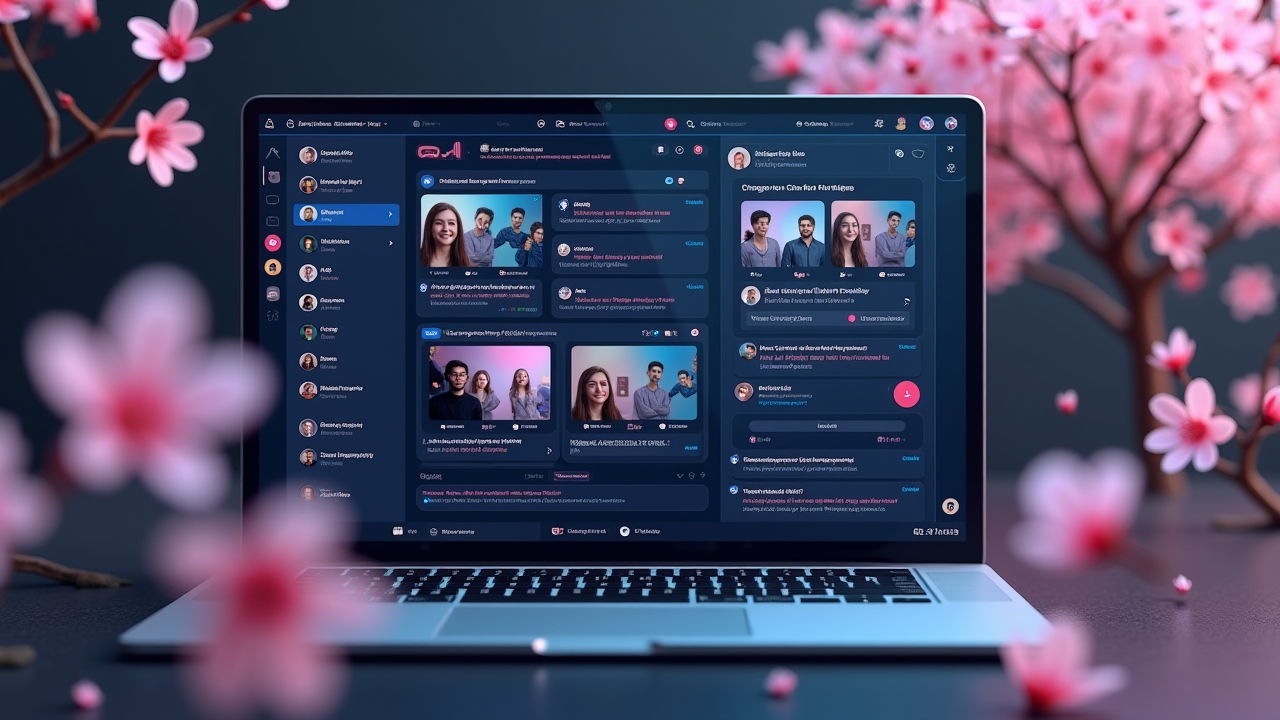
#Cherry Studio: An open source desktop client with 300+ AI assistants
Summary
In an era of explosive growth in AI tools, developers and knowledge workers face a common pain point: too many LLM service providers, too many API keys, and too many different conversation interfaces. Cherry Studio solves this confusion with a unified desktop application - it also supports 300+ AI providers such as OpenAI, Anthropic, Gemini, Ollama, etc., has a built-in MCP server architecture, and is completely open source. This article takes a deep dive into Cherry Studio’s core features, architectural design, and why it might be the best AI tool you should install this year.
Why you need a unified AI client
Let me start with a real scenario:
Last week I needed to switch between different models. I use Claude to write code in the morning, GPT-4 to analyze data in the afternoon, and local Ollama to do privacy-sensitive text processing in the evening. Each model has its own interface, different API formats, and different authentication processes.
I counted seven browser tabs open alone: Claude.ai, ChatGPT, Gemini, Perplexity, Poe, a native Ollama interface, and another page whose name I don’t know.
This is the problem Cherry Studio wants to solve.
What is Cherry Studio?
Cherry Studio is an open source cross-platform desktop application (Windows, Mac, Linux) positioned as an "AI productivity studio". Its core value proposition is clear:
**One client for all AI services. **
Not another API wrapper, not another prompt management tool, but a truly unified entrance.
Core functions at a glance
According to official documentation and actual testing, the main functions of Cherry Studio include:
1. Multi-provider support
- Cloud services: OpenAI, Anthropic, Gemini, Perplexity, Poe, etc.
- Local models: Ollama, LM Studio
- API compatible: all OpenAI format services are supported
2. 300+ pre-configured AI assistants
- From common tasks (translation, writing, code review) to professional fields (law, medicine, academia)
- Each assistant has preset system prompts and workflows
- Can customize or build your own assistant
3. MCP (Model Context Protocol) support
- Built-in MCP server architecture
- Can expand tools and capabilities
- Support third-party MCP services
4. Document and data processing
- Supports multiple formats such as text, pictures, Office, PDF, etc.
- WebDAV file management and backup
- Mermaid chart visualization
- Code syntax highlighting
5. Utilities
- Global search function
- Topic management system
- AI translation
- Drag and drop sorting
- Mini program support
Test experience: why it is better than other tools
Installation and Setup
The installation process is very simple. The official website provides installation packages for Windows, Mac, and Linux. You can install them directly after downloading.
# macOS installation (via Homebrew)
brew install --cask cherry-studio
# Or download from the official website
# https://cherry-ai.com
When setting up an AI provider, you only need to provide the API key (for services that require authentication) or use it directly (for local models). The whole process takes less than 5 minutes.
300+ assistant usage experience
This is Cherry Studio’s biggest selling point. 300+ preset helpers cover:
- Productivity: writing assistant, translation, summarization, email reply
- Code: code review, debugging, document generation
- Learning: language learning, academic research, math tutoring
- Creativity: story writing, script creation, music creation
Each assistant has a preset system prompt and dedicated workspace. For example, the Code Review Assistant automatically applies code review prompts and allows you to specify supported programming languages.
In the actual test, I used the "Academic Abstract Assistant" to process a 20-page paper. It not only generates accurate summaries but also extracts key findings and future research directions. The effect is much better than asking ChatGPT directly.
MCP Support: Why This Matters
MCP (Model Context Protocol) is an open standard proposed by Anthropic to allow LLM to interact with external tools and data sources. Cherry Studio is one of the few desktop applications with built-in MCP server architecture.
what does that mean?
1. Tool Extension: You can install third-party MCP services to expand the functions of Cherry Studio
1. Data Integration: Can connect to internal databases, APIs, and file systems
1. Automation: Complex workflows can be established, such as automatically organizing inboxes and generating reports
The official roadmap mentions that the “MCP Marketplace” is being developed, which means that more community-contributed MCP services will be available in the future.
Cross-platform and local-first
Cherry Studio supports Windows, Mac, and Linux, and all data is stored locally. This is an important advantage for privacy-conscious users.
You can choose:
- Use cloud services (data transferred via API)
- Use local models (data is entirely local)
- Hybrid mode (local for sensitive data, cloud for general tasks)
Technical architecture analysis
Judging from the GitHub repository and documentation, Cherry Studio’s technology selection:
- Front-end: Electron + React + TypeScript
- Status Management: Zustand
- Style: Tailwind CSS
- Local Storage: SQLite + File System
- API Communication: Custom HTTP client
The benefits of this option:
1. Cross-platform: Electron allows one set of code to run on all major desktop systems
1. Development efficiency: React + TypeScript is a mature technology stack with rich community resources
1. Performance: For desktop applications, Electron’s performance is acceptable
1. Extensibility: Modular architecture makes it easy to add new functions
Comparison with competing products
vs Claude.ai / ChatGPT
| Features | Cherry Studio | Claude.ai | ChatGPT |
|------|---------------|-----------|----------|
| Multi-provider | ✅ 300+ | ❌ Claude only | ❌ GPT only |
| Local Model | ✅ Ollama/LM Studio | ❌ | ❌ |
| Data Localization | ✅ Optional | ❌ | ❌ |
| Custom Assistant | ✅ | ⚠️ Limited | ⚠️ GPTs |
| MCP Support | ✅ Built-in | ❌ | ❌ |
| Open Source | ✅ | ❌ | ❌ |
| Price | Free (API fee is extra) | Subscription | Subscription |
vs OpenClaw
OpenClaw is also an open source AI assistant, but it focuses more on the positioning of a "personal AI assistant", emphasizing autonomy and long-term memory. Cherry Studio focuses more on "unified entrance" and "productivity tools".
The two can be used complementary: Cherry Studio as a portal for daily development and productivity, and OpenClaw as a complement for long-term memory and autonomous tasks.
What kind of team is it suitable for?
Developer:
- Need to frequently switch services of different LLMs
- Want local models to handle sensitive code
- Requires MCP extended tool capabilities
Knowledge Worker:
- Need to process large amounts of documents and data
- Want a unified AI assistant entrance
- Focus on data privacy
Team:
- Requires standardized use of AI tools
- Want to centrally manage API keys and access permissions
- Requires internal data integration
How to get started
Step 1: Installation
#macOS
brew install --cask cherry-studio
# Or download from the official website
# https://cherry-ai.com
Step 2: Set up AI provider
1. Open Cherry Studio
1. Click the "Settings" icon in the upper left corner
1. Select "Provider"
1. Click "Add Provider"
1. Select provider type (OpenAI, Anthropic, Ollama, etc.)
1. Enter API key (if required)
1. Click "Test Connection"
Step 3: Use the Assistant
1. Select "Assistant" on the left
1. Choose an assistant (e.g. Code Review Assistant)
1. Start a conversation
Step 4: Extend MCP
1. Find "MCP Server" in settings
1. Click "Add MCP Server"
1. Enter the URL or local path of the MCP service
1. Click "Connect"
Limitations and Notes
Known limitations
1. Complex Workflow: Complex multi-step workflow automation is currently not supported.
1. Mobile version: only desktop version, no iOS/Android version (mentioned in roadmap)
1. Performance: Electron applications may occupy more memory in large projects
Future Roadmap
According to the official roadmap, upcoming features include:
- Selection Assistant: Intelligent content selection enhancements
- Deep Research: Advanced research capabilities
- Document Preprocessing: Improved document handling
- MCP Market: MCP services contributed by the community
- Notes and Collections: Knowledge management function
- Dynamic Canvas: visual workflow
- OCR: Optical Character Recognition
- TTS: text to speech
Conclusion
Cherry Studio solves a real pain point: the fragmentation of AI tools. It didn't invent any new technology, but it did one valuable thing: integrate existing excellent tools and services into a unified, user-friendly interface.
For developers and knowledge workers, Cherry Studio may be one of the best AI tools to install this year. It's free, open source, cross-platform, and actively updated.
If you’re tired of switching between different AI services, if you want local models to handle sensitive data, if you need MCP scaling capabilities – Cherry Studio is worth your 5 minutes to try.
References