Let AI Understand the Whole Codebase First: The Knowledge-Graph Approach of codebase-memory-mcp
Let AI Understand the Whole Codebase First: The Knowledge-Graph Approach of codebase-memory-mcp
One of the most common failures of an AI coding agent is not an inability to write code. It is insufficient codebase context. When an agent explores an unfamiliar repository only through grep, Glob, and file-by-file reading, it can miss cross-file calls, type resolution, routes, and service relationships. To compensate, it reads even more content, consumes the context window, slows down, and may still form an incorrect architectural model.
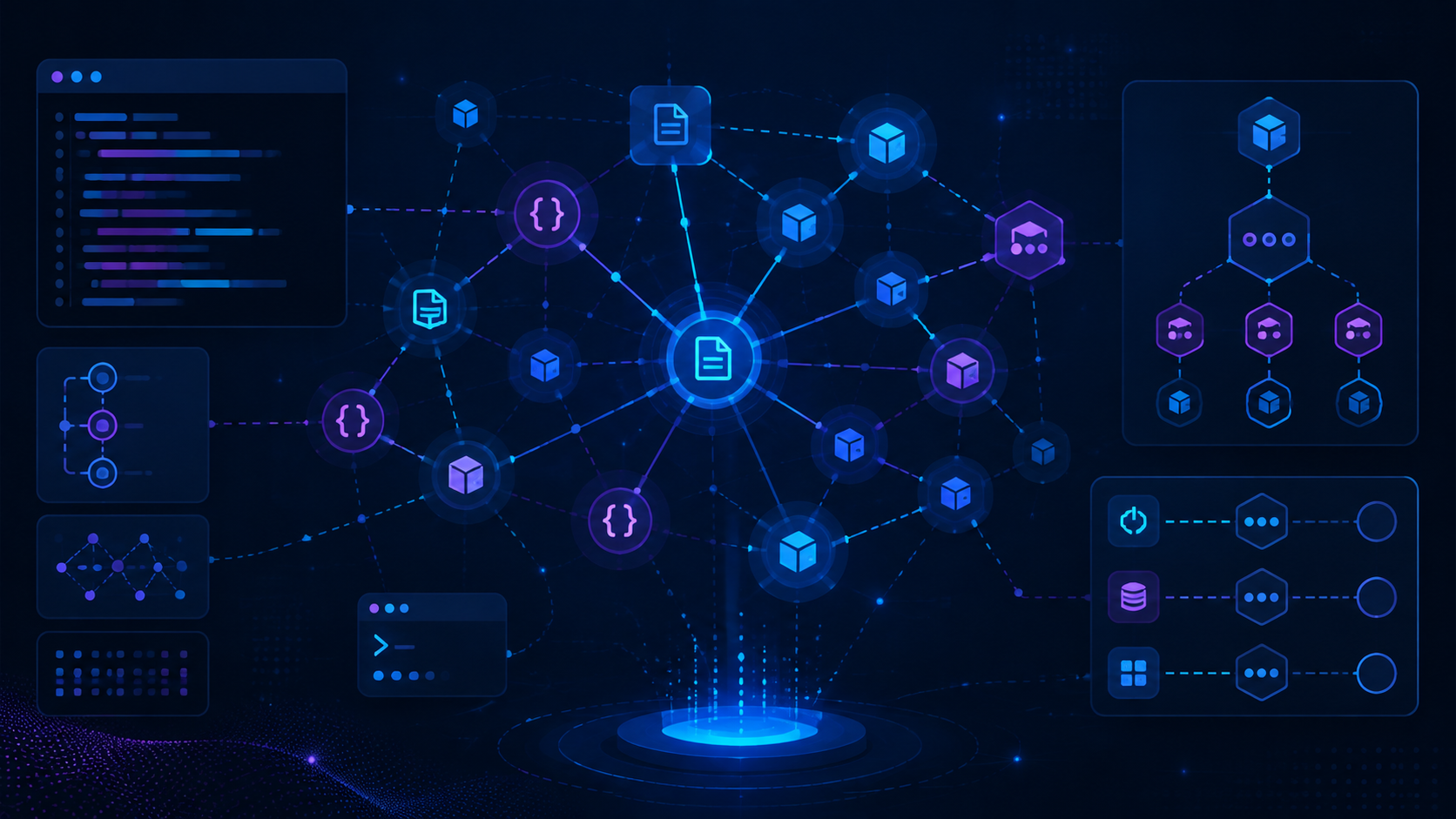
DeusData/codebase-memory-mcp takes a different approach: it parses a repository into a persistent code knowledge graph, then exposes structured queries through Model Context Protocol(MCP) to Claude Code, Codex, Cursor, VS Code Copilot, and other compatible agents. It is not another chatbot and it is not merely a vector database that performs similarity search over an entire repository. It is a code-intelligence backend distributed as a native executable, allowing an agent to ask which functions call another function, where a route flows, and what may be affected by a change.
This article is based on the project README, source repository, and its public research link. It explains the design, MCP integration, the limits of the published benchmark numbers, and the practical boundaries to consider before adoption. The repository was checked on August 15, 2026; GitHub showed roughly 39,000 stars and recent activity within the last 180 days.
Why File Search Is Not Code Understanding
A conventional agent workflow starts with text search. If a developer asks where the post-login permission check lives, the agent may search for auth, permission, or a route name and open a few matching files. This works well for small projects, but large, multilingual, or multi-service repositories expose three structural problems.
First, a text match is not a semantic relationship. A function can be used through aliases, inheritance, interfaces, callbacks, or dependency injection, and a name search may not reveal the real call path. Second, search tools usually operate at file boundaries; the agent must reconstruct imports, definitions, calls, HTTP routes, and configuration relationships by itself. Third, an agent that wants to avoid missing evidence often expands its reading scope, paying a large token cost without necessarily becoming more reliable.
codebase-memory-mcp moves that one-time exploration cost earlier. During indexing, tree-sitter AST analysis builds nodes and edges for files, functions, classes, packages, routes, and dependencies. For selected languages, an embedded Hybrid LSP-style semantic pass adds type and cross-file resolution. The agent then queries the graph instead of repeatedly scanning the whole file tree.
This does not make every code question automatic, but it turns relationship discovery from ad-hoc reasoning into a repeatable query with inspectable evidence. For impact analysis, unfamiliar architectures, and large refactors, that is more valuable than adding another chat interface.
What It Actually Builds
The README describes the system as a structural-analysis backend rather than an LLM. It does not turn natural language directly into final answers; the compatible agent remains the intelligence layer that translates a user request into MCP tool calls and explains the results. This boundary is useful: teams do not need another model API key for code intelligence, and the indexing service does not add a second model's cost and behavior to the workflow.
The index is stored in a local SQLite database under ~/.cache/codebase-memory-mcp/ by default and persists across sessions. A background watcher can synchronize changes. The project also supports a compressed graph snapshot at .codebase-memory/graph.db.zst. A team can commit that artifact when appropriate so that a teammate can import a snapshot and perform incremental indexing after cloning. Whether the artifact belongs in Git should still depend on its size, sensitivity, and versioning policy.
The data model records more than the fact that a string appeared somewhere. The README lists architecture overview, entry points, routes, hotspots, layers, clusters, dead-code detection, HTTP linking, ADR management, and cross-repository CROSS_* relationships. Dockerfiles, Kubernetes manifests, and Kustomize overlays can also become graph nodes, connecting application code with infrastructure configuration.
From tree-sitter to Hybrid LSP
The broad language claim is important, but the more interesting design choice is that the project does not use one parsing strategy for every language.
The first layer is tree-sitter. Grammars for 158 languages are compiled into the native executable. Fast AST analysis extracts definitions, calls, and imports. This provides broad coverage, so languages without a complete semantic implementation can still enter the graph.
The second layer is Hybrid LSP. For Python, TypeScript, JavaScript, JSX, TSX, PHP, C#, Go, C, C++, Java, Kotlin, Rust, and Perl, the project embeds a C implementation of type-resolution algorithms structurally inspired by major language servers. It uses the import graph and cross-file definition registries to refine call edges, allowing queries such as trace_path to go beyond textual similarity.
This architecture avoids starting a separate language-server process for every repository. For a multilingual monorepo, or a CI, container, or remote-development environment where runtime compatibility matters, one native binary is easier to maintain than a collection of language runtimes and LSP versions.
However, 158 supported languages does not mean equal semantic depth across all 158. Languages without Hybrid LSP support fall back to more structural or textual resolution. Generated code, macros, dynamic loading, and framework conventions can also leave relationships incomplete. Graph results should therefore be treated as valuable navigation and evidence, not as a proof that never needs source-code review.
How MCP Changes Agent Exploration
The README currently lists 15 MCP tools for indexing, querying, and analysis. A useful workflow can be divided into four steps:
1. Use index_repository to create a graph for a repository, or let auto_index handle it at MCP session start.
2. Use get_architecture to obtain languages, packages, entry points, routes, hotspots, and layers before forming a global map.
3. Use search_code, semantic_query, or BM25 full-text search to find candidate nodes, then use search_graph, trace_path, or query_graph to follow relationships.
4. Before modifying code, use impact analysis, index-coverage checks, or cross-service linking to make sure the answer is not based on stale or incomplete data.
For example, when a developer asks to make a payment event asynchronous and list every affected consumer, a reliable agent should not search only for the string PaymentEvent. It can locate the event and architecture nodes, follow EMITS, LISTENS_ON, HTTP, or cross-service edges, and then compare the result with the original files. The goal is not to stop the agent from reading source. The goal is to tell it which source deserves attention and why.
The project also provides a CLI mode. Every MCP tool can be invoked as a one-shot command:
codebase-memory-mcp cli index_repository --repo-path /absolute/path/to/repo
codebase-memory-mcp cli list_projects
codebase-memory-mcp cli search_graph --project my-project --label Function
codebase-memory-mcp cli trace_path --project my-project --function-name Search --direction both
CLI mode does not start or connect to the persistent coordination daemon, which makes it useful in CI, scripts, and query validation. Output can be piped to jq; the documentation explicitly keeps progress on stderr so that machine-readable JSON on stdout stays clean.
Installation and MCP Setup
The project provides prebuilt releases for macOS, Linux, and Windows. It is also available through npm, PyPI, Homebrew, Scoop, Winget, Chocolatey, AUR, and go install. The native installation path aims for zero Docker, zero language runtime, and zero API keys:
curl -fsSL https://raw.githubusercontent.com/DeusData/codebase-memory-mcp/main/install.sh | bashAny workflow that pipes a remote script directly into a shell should be evaluated against the team's security policy. The README also documents a download, inspection, and execution flow. For a production workstation or enterprise environment, use a release archive where possible, verify its SHA-256 checksum, and review the installer and binary source. Windows users can download install.ps1, inspect it, remove the browser-added mark, and then run it.
The install command detects installed coding agents and writes their documented MCP entries. Where supported, it also adds durable instructions, skills, and lifecycle hooks. With manual configuration, the MCP command should use an absolute path. A Claude Code-style entry looks like this:
{
  "mcpServers": {
    "codebase-memory-mcp": {
      "command": "/path/to/codebase-memory-mcp"
    }
  }
}
Restart the agent and use /mcp to confirm that the server is visible with 15 tools. On the first run, explicitly tell the agent to index the project or call index_repository, then wait for indexing to finish. For very large repositories, set auto_index_limit or use an explicit path so that an entire working directory is not indexed accidentally.
How to Read the Performance Numbers
The README reports several attractive benchmarks: a full Linux-kernel index(about 28 million lines and 75,000 files)in roughly three minutes, a Django repository in about six seconds, and a Cypher relationship traversal in under one millisecond. The project also compares five structural queries: about 3,400 tokens through codebase-memory-mcp versus about 412,000 tokens in file-by-file grep exploration, described as a 99.2% reduction.
These numbers are useful for understanding the design target, but they are not guarantees for every environment. Hardware, storage, language mix, generated files, index scope, and the agent's query strategy all matter. Token comparisons also depend on whether the two methods perform equivalent validation at equivalent depth. Before adoption, build a local baseline on a representative repository: first-index time, incremental update time, peak memory, common query latency, and context consumed by a real agent task.
Privacy, Security, and Operational Boundaries
The README states that the tool runs locally, collects no telemetry, and does not send code, queries, environment data, or usage away from the machine. This is valuable for teams that do not want source code uploaded to a third-party code-search service. Local processing does not remove the need for review, however. The installer changes agent configuration files, the daemon stores indexes and logs, and hooks can be installed in user-scoped configuration directories. Inspect write locations, permissions, lifecycle, and uninstall behavior before rollout.
The README also lists VirusTotal scanning, SLSA Level 3 build provenance, and SHA-256 checksums for releases. These are useful supply-chain signals, but teams should still verify them through their own release allowlists, binary policy, and permission model. For sensitive repositories, CBM_ALLOWED_ROOT can restrict indexable paths, and the permissions of CBM_CACHE_DIR should be checked. If a graph snapshot is committed to Git, confirm that it does not expose names, paths, or architecture details that should not be shared.
A sensible operating principle is to start with a read-heavy analysis layer and enable automation gradually. Begin with a manual installation, one test project, and read-only queries. Confirm that stale indexes, unresolved dynamic relationships, or an incorrect working directory cannot lead the agent into unsafe changes before enabling watchers, hooks, or multi-agent coordination.
Who Should Use It, and Who Should Not
It is particularly suitable for:
- Teams that need an agent to take over a large or unfamiliar codebase quickly.
- Multilingual monorepos, microservices, or cross-repository dependencies where text search often misses relationships.
- Refactoring impact analysis, call-path tracing, architecture inventory, and dead-code detection.
- Local-only environments that do not want source code sent to a third party and can accept a local index and disk cache.
- Developers who want one code-knowledge layer shared by several MCP-compatible agents.
It may be unnecessary for a small project with only a few dozen files, where indexing and graph maintenance cost more than direct reading. Highly dynamic language features, reflection, runtime code generation, generated files, and languages without deep semantic support can reduce relationship quality. If the team only needs straightforward full-text search, ripgrep, BM25, or existing IDE features may already be enough.
Conclusion: Make Context Engineering Infrastructure
The interesting part of codebase-memory-mcp is not merely that it is another MCP server. It separates an AI coding agent's context problem into an independently evolvable infrastructure layer: a native binary handles indexing and persistence, tree-sitter provides broad language coverage, Hybrid LSP adds semantic relationships for selected languages, SQLite and watchers maintain local state, and MCP makes the query layer available to different agents.
This design also suggests that better agent performance does not always begin with a larger model. When the model receives more precise architecture, call-path, and impact evidence, context quality itself can produce a large gain. A graph is not a replacement for correctness, though; a reliable workflow still returns to source code, tests, compilation, and human review.
If your pain is that an agent can find files in a large repository but cannot find relationships, this project is worth an experiment: build the graph first, then let the model understand it. Start with a real but non-sensitive project, measure your own index and query baseline, and verify that exploration cost actually falls instead of being persuaded by benchmark numbers alone.