Goose: Moving an AI Agent from Code Suggestions to an Executable Workbench
Goose: Moving an AI Agent from Code Suggestions to an Executable Workbench
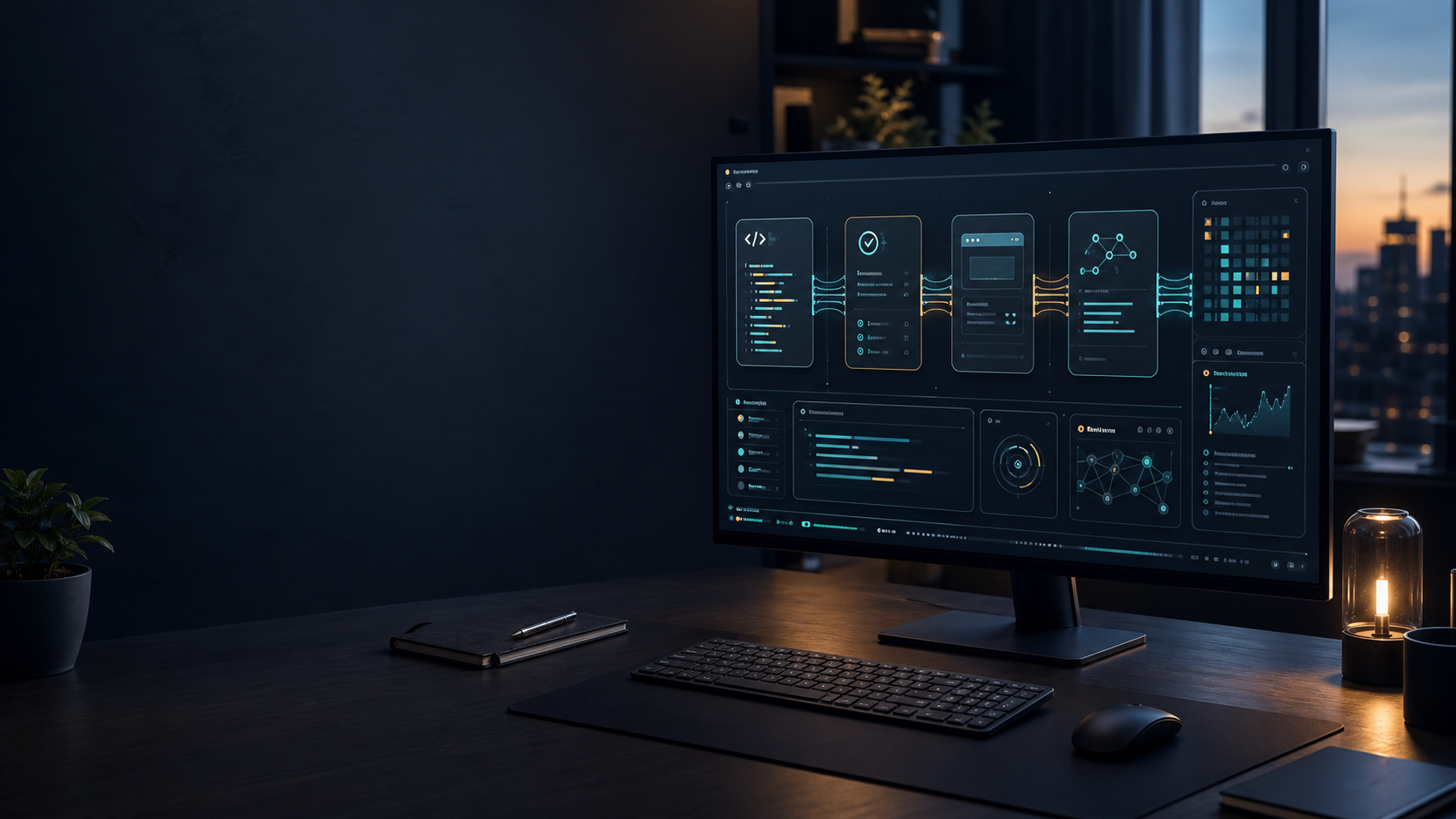
When I look at AI coding agents today, I increasingly feel that "can it complete a piece of code?" is no longer the most meaningful differentiator. What really changes a workflow is whether an agent can understand the current project, call the right tools, perform a sequence of actions, and deliver a verifiable result. That is why Goose is worth watching: it is not merely a chat window inside an IDE, but an open-source AI agent workbench that can run across desktop, terminal, and API environments.
Goose is positioned by its maintainers as a general-purpose AI agent. It can be used for software development, research, writing, automation, data analysis, and other practical tasks. The project provides desktop applications for macOS, Linux, and Windows, a full CLI, and an API that can be embedded into other systems. Its core is written in Rust, it supports multiple model providers, and it can connect to extensions through the Model Context Protocol (MCP). The important idea is not simply "another chatbot," but an execution layer that combines models, tools, sessions, and permission boundaries.
The short version: Goose puts an agent inside a real workflow
If you only need answers or a small code snippet, Goose may feel heavier than necessary. A normal chat interface or IDE extension could be enough. But if you want an agent to enter a project directory, create files, edit code, run tests, and continue after reading the results, Goose has a clear reason to exist.
I see its value in three layers. The first is the interaction surface: you can use a desktop application or start work from a terminal with goose session. The second is tool connectivity: built-in and external extensions allow the agent to do more than generate text, including working with browsers, files, and MCP tools. The third is model flexibility: the official README lists more than 15 providers and supports using existing Claude Code or ChatGPT subscriptions through the Agent Client Protocol (ACP).
That combination is what separates Goose from a simple workflow of asking an AI a question and copying the answer into an editor. Goose moves the agent from being an answerer toward being an operator. At the same time, it makes permissions, authentication, reproducibility, and failure recovery much more important.
How to understand the Goose architecture
1. The model is a decision core, not the whole product
Goose does not lock users to one model. During the initial setup, you choose a provider and a model. The model interprets a request, decides which tool to call next, and uses the tool result in subsequent reasoning. The benefit is flexibility: a lower-cost model can handle routine edits, while a stronger model can be selected for complex refactoring or analysis.
That flexibility also creates a practical caveat that is easy to miss. Providers differ in tool-call behavior, context limits, rate limits, and authentication. Therefore, Goose should not be evaluated only by the model name. The more useful question is whether a provider can reliably complete a multi-step task that includes tool calls.
2. Extensions connect the agent to the outside world
Goose manages additional capabilities as extensions and can connect external services through MCP. This allows an agent to move beyond reading and writing text and work with research tools, browsers, APIs, or existing team services. The official quickstart uses the Computer Controller extension to demonstrate how an agent can open a browser and operate a web game it has just created.
The key idea is not simply that an extension is another plugin. Every additional tool expands both the agent's capabilities and its risk surface. In a real deployment, I would start with read-only tools, then gradually allow file writes, command execution, and operations that create external side effects. More tools do not automatically mean more productivity if the team has no permission model.
3. A session is a continuous unit of work
Goose packages a continuous conversation as a session. CLI users can run goose session in a working directory, complete an initial task, configure an extension, and continue the work. This is closer to real development than a one-shot prompt because requirements, file changes, test results, and errors accumulate in one working context.
A session does not mean every workflow can be resumed automatically, however. The official ACP documentation explicitly lists limitations: ACP sessions do not currently support Goose's session fork or resume commands, and the ACP session ID differs from the Goose session ID. Telemetry fields therefore may not map directly across the two systems. These details are a reminder that an agent workflow needs a recovery plan, a rerun strategy, and human-readable change records.
Getting started: begin with a verifiable small task
The path below is the one I would use for a first experiment. The goal is not to give Goose control of an entire repository immediately, but to use a small task that makes installation, model configuration, tools, and permissions easy to check.
Step one: install the CLI
The official README provides both desktop and CLI entry points. For a terminal workflow, follow the official installation instructions and run:
curl -fsSL https://github.com/aaif-goose/goose/releases/download/stable/download_cli.sh | bashAfter installation, confirm that goose is available in your PATH. If the shell cannot find the command, do not immediately reinstall it. First inspect the installer output, the current shell PATH, and whether the terminal needs to be restarted. The official quickstart also warns that some platforms can show a PATH warning that must be resolved before running the configuration command.
If you prefer not to run a remote script during a first test, download the package for your platform from the official releases page, or use the Homebrew and desktop installation paths documented by the project. Whichever path you choose, keep the version and platform instructions consistent with the official documentation.
Step two: configure a model provider
Run:
goose configureChoose Configure Providers, then configure a provider, credentials, and model through the interactive flow. Do not place an API key in an article, shell history, or a shared configuration file. Use the provider's recommended environment-variable, keyring, or login flow instead.
ACP providers work slightly differently. Goose uses an ACP adapter to connect to an existing coding agent. The official ACP documentation lists Claude ACP, Codex ACP, Amp ACP, and Pi ACP paths. Each requires the relevant CLI or adapter to be installed and authenticated first. The advantage is that an existing subscription can be reused; the limitation is that the external agent's state and Goose's session state may not be identical.
Step three: create a clean test directory
Do not put Goose in the most important production repository on the first attempt. Create an empty directory and ask the agent to complete a task with an easy-to-check result:
mkdir goose-demo
cd goose-demo
goose session
Then provide a requirement with explicit acceptance criteria, for example:
Create a browser-based tic-tac-toe game in JavaScript with an HTML page, game logic, and basic styling. After finishing, explain how to start and verify it.The value of this task is not the game itself. It checks whether the agent can create several files, understand its working directory, explain or perform verification, and produce something that actually runs in a browser. If it only returns a code snippet without leaving executable files, the tool or permission setup is not complete yet.
Step four: enable extensions gradually
After the first file-only task works, configure Computer Controller or another MCP extension. The official quickstart demonstrates ending the current session, running goose configure, choosing Add Extension, adding the built-in Computer Controller, and then using goose session -r to return to the earlier work.
This sequence matters. I would not enable every extension at once. When something fails, it should be possible to tell whether the cause is the model, provider, working directory, tool, or permission setting. Add one capability at a time, run a separate verification task, and record exactly which resources the agent can read, modify, and execute.
Where Goose fits best
The first category is multi-step development work: creating a small feature, adding tests, running tests and fixing failures, or applying repetitive changes across a set of files. The common factor is that the result is not just text; it is a set of inspectable changes in a working directory.
The second category is research and data organization. Goose is not limited to programming. With suitable tools, it can combine queries, organization, and file generation into one session. Source tracking becomes especially important here. Ask the agent to preserve links, inputs, and outputs instead of accepting a polished conclusion with no audit trail.
The third category is experimentation with agent workflows without immediately locking the team to one model or cloud platform. Goose's provider and extension abstractions offer a place to compare different models, tools, and authentication paths. This does not make every provider interchangeable, but it can put the comparison behind a more consistent operating interface.
Where Goose should not be deployed without controls
The ability to execute an operation does not mean the agent should receive unlimited permissions. Tasks that delete files, change deployment settings, write to production databases, or send external messages should have human approval, an isolated environment, and a recovery mechanism. When an extension can operate on both the filesystem and the network, an ambiguous prompt can create much larger side effects than expected.
The second limitation is observability. A completed agent task looks like a conversation, but what needs to be tracked is every model decision, tool call, file change, and retry. For team use, break the task into small stages, ask the agent to report the next operation before it executes it, and verify the result with Git diffs, test reports, and work records.
The third limitation is the boundary between Goose and an external agent. ACP can let users reuse an existing Claude Code or ChatGPT subscription, but the official documentation already states that session fork, resume, and identifier mapping have gaps. If a workflow must survive interruptions or reproduce every run strictly, test failure recovery before making ACP the foundation of a production process.
The final limitation is cost and model variance. Supporting many providers is flexibility, not a quality guarantee. Build a small internal test set and measure completion rate, tool-call errors, human interventions, runtime, and model cost. Do not infer that a provider fits every repository just because it performs well in a showcase task.
How I would evaluate an adoption
I would begin with three small baseline tasks: a file-creation task, a test-driven repair task, and an integration task that needs an MCP or browser tool. Each task should have explicit inputs, acceptance criteria, and a cleanup procedure for failure.
Next, I would divide permissions into three layers. The first is read-only: the agent can inspect a specified directory and query data. The second allows changes: the agent can write to an isolated branch or temporary directory but cannot touch production. The third requires human approval for external side effects such as deployment, messaging, payments, or changes to shared data. This structure is easier to align with team procedures than a single generic "safe mode."
Finally, I would check whether another person can take over the output. A good agent workflow should not end with four words saying "task completed." It should record what changed, which checks ran, what remains uncertain, and how to reproduce the next step. If Goose is to become a team tool, these records matter as much as the model's answer quality.
Conclusion: Goose is about completing a piece of work, not just chatting
Goose deserves an implementation-focused article because it brings the AI agent discussion back to workflow: configuring a provider, managing sessions, connecting extensions, allowing an agent to work in a real directory, and handling permissions and recovery.
My conclusion is that Goose is best treated as a controllable agent workbench experiment, not as an unsupervised executor. Start with a clean directory and a small task. Enable tools one by one. Preserve Git diffs and test results. Then turn successful patterns into team rules. Once you can answer what the agent can do, what it must not do, and how a person can take over after failure, Goose can move from an interesting AI tool to infrastructure an engineering team can actually use.
References