More Than Running Models Locally: How LocalAI Unifies LLM, Voice, and Vision Services Behind One API
More Than Running Models Locally: How LocalAI Unifies LLM, Voice, and Vision Services Behind One API
When people first explore local AI, they often ask which model can run on their computer. Once that model needs to serve an application, an internal tool, or multiple users, the real questions are different: how should models be loaded, how should hardware differences be handled, and how can text, speech, vision, and embeddings share a maintainable interface?
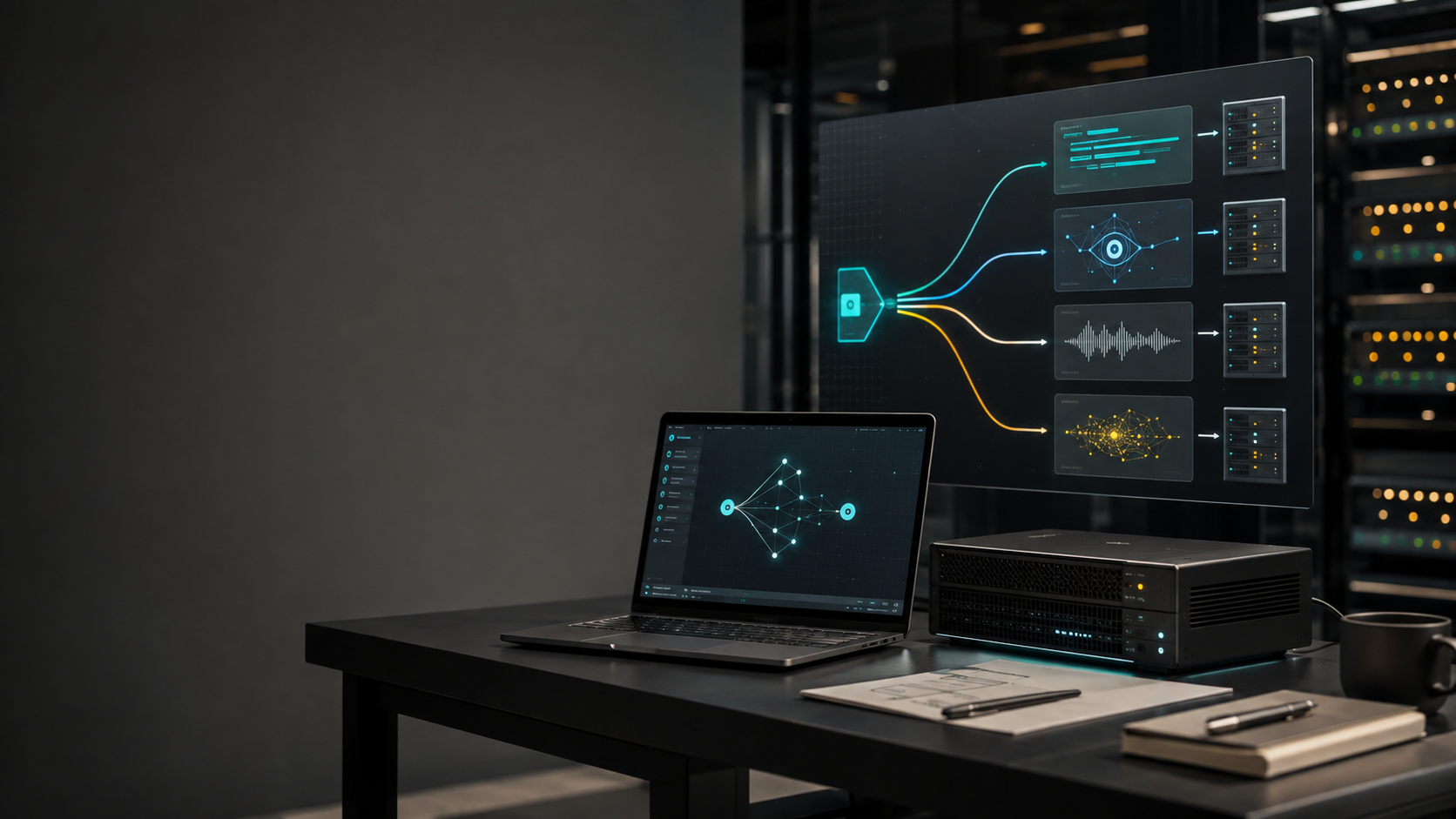
LocalAI is interesting because it presents itself as a self-hosted AI engine rather than a launcher for one model. Its repository describes a service layer for LLM, vision, voice, image, and video models. Backends are loaded on demand, and the same entry point exposes OpenAI-, Anthropic-, and ElevenLabs-compatible APIs across supported backends and hardware targets. [1]
As of August 29, 2026, the repository had about 48,000 GitHub stars and had been updated on August 28, 2026, satisfying this selection's high-star and recent-activity requirements. [2] Stars are not proof of quality, but they indicate that enough public implementation material exists to examine both the architecture and its trade-offs.
The short version is this: LocalAI is closer to product infrastructure than directly loading a model inside a Python process. It is a strong fit when a team wants to expose local inference as a service. For a one-off experiment on a laptop, its multi-user, distributed, and backend-management features may be more complexity than necessary.
LocalAI defines a model-service boundary
When an application directly uses an inference library, it usually knows the model path, runtime, hardware backend, and request format at the same time. That is convenient for an experiment, but it couples product code to the model runtime. Replacing a model can then require changes to quantization, context size, GPU offload, streaming, and error handling.
LocalAI can be understood as three layers:
1. Service API: endpoints for chat, embeddings, images, audio, and tool-related operations, so the application does not need to depend directly on one inference library.
2. Model configuration: model names, sources, YAML configuration, prompt templates, and parameters describe how a model should be served.
3. Backend: each backend wraps one or more inference engines and can be installed when needed. The official project lists engines such as llama.cpp, vLLM, SGLang, whisper.cpp, diffusers, and MLX. [1]
The value is not that every model becomes identical. A vision model still differs from an embedding model, and each model has its own resource profile. The value is that those differences are concentrated below a service boundary, while the application can keep a more stable integration surface.
On-demand backends reduce unused dependencies
LocalAI emphasizes a small core rather than a bundle containing every possible inference engine. Backends are separate and can be pulled when a model needs them. This gives a CPU-only text service a smaller starting footprint and makes the backend a replaceable engineering boundary.
The trade-off is operational rather than theoretical. The first request for a new model family may involve backend downloads, compatibility checks, and cache management. Automatic downloads should not be treated as magic in production. Pin image tags, verify sources, define cache behavior, and record the compatible model and backend versions in deployment configuration. Offline and restricted-network environments should be tested before launch.
Start with Docker and validate the API first
The official README provides a minimal CPU container:
docker run -ti --name local-ai -p 8080:8080 localai/localai:latestAfter the server starts, models can be loaded from the model gallery, Hugging Face, the Ollama OCI registry, YAML configuration, or a standard OCI registry. For example:
local-ai run llama-3.2-1b-instruct:q4_k_mA safer onboarding sequence treats LocalAI as an ordinary internal HTTP service:
1. Start the container and record the image, model, and backend versions.
2. Use a small model to test chat and streaming, including latency, errors, and context behavior.
3. Connect an existing OpenAI client and keep the base URL, model name, and timeout in configuration.
4. Add embeddings, RAG, tools, or agents only after the service baseline is measurable.
This order matters. OpenAI compatibility lowers migration cost, but it does not mean that every provider endpoint, tool format, or model capability is identical. Compatibility is a starting point for integration, not the end of testing.
One gateway for multiple modalities
LocalAI now covers much more than text generation. Its feature list includes text-to-audio, audio-to-text, image generation, vision, embeddings, reranking, a realtime API, object detection, MCP, and built-in agents. [1]
That makes it useful when one product needs several kinds of models:
- A private knowledge assistant can combine an LLM with embeddings, a reranker, and RAG citations.
- A voice workflow can keep transcription, the dialogue model, and text-to-speech inside one private network.
- A document or image pipeline can use a vision model for extraction and a language model for structured output.
- A local agent can connect internal tools through MCP while remaining behind the team's own network boundary.
The engineering benefit is a shared service boundary, not the claim that one model should do everything. Each modality still needs its own model, resource budget, and tests. LocalAI makes discovery, configuration, and invocation more consistent.
A built-in agent is not permission to run arbitrary commands
The README describes a terminal agent that can answer questions, read files, and run commands while asking for approval before state-changing actions. It also lists tool use, RAG, MCP, skills, and SSE streaming for built-in agent capabilities. [1]
These are useful building blocks, but they are not a security guarantee. As soon as an agent can read files, invoke tools, or call external services, the threat model changes from an incorrect answer to an unintended side effect. A real deployment should define:
- An allowlist and least-privilege identity for every tool.
- Parameter schemas, validation, timeouts, and retry limits.
- Isolation for containers, filesystems, networks, and secrets.
- Approval as a real authorization boundary, not merely a button in a user interface.
- Trusted sources and explicit permissions for MCP servers, which may execute local commands or expose sensitive data. [3]
A practical rollout starts with read-only tools and progresses toward write or transaction capabilities only after replayable tests and audit records exist.
From a single machine to a service platform
As usage grows, tokens per second are not the only bottleneck. Request queues, GPU memory, model cold starts, embedding batches, user quotas, and observability all affect service quality. Recent LocalAI release notes describe distributed mode, VRAM-aware routing, replica routing, NATS, API keys, OIDC, per-user quotas, and usage attribution. [1][4]
These features give LocalAI a platform-shaped expansion path, but they also create platform-engineering responsibilities. A staged approach is safer:
- Single-machine baseline: fix one model and backend, then measure time to first token, total latency, memory, and error rate.
- Model isolation: test whether models compete for GPU memory or repeatedly trigger backend loading. Split services when needed.
- Multi-user governance: enable API keys, quotas, roles, and usage attribution so a shared endpoint has accountability.
- Horizontal scaling: introduce replicas, distributed routing, and messaging only after routing rules and failure behavior are understood.
A long feature list is not a reason to enable everything at once. The difficult parts of a model platform are usually upgrades, rollbacks, quotas, and explaining what happened during an incident.
Who should use LocalAI?
LocalAI is a good candidate for teams that:
1. Already have an OpenAI-client-based application and want to move selected inference to private infrastructure.
2. Need text, speech, vision, or embeddings without maintaining a completely different service interface for every modality.
3. Want models and data to remain inside their own infrastructure and are willing to own hardware, model files, and security updates.
4. Want to move from a CPU-only prototype to GPU or multi-node serving without rewriting the application layer.
It is less attractive when a team has no container, model-versioning, monitoring, or access-control practice. LocalAI does not remove those responsibilities; it puts them inside a clearer product boundary. For a few low-volume calls, a hosted API may still be cheaper and easier to operate.
My take: local models are becoming manageable services
The most important part of LocalAI is not the number of model names it supports. It is the decision to separate inference backends behind a replaceable layer, then package that layer with compatible APIs, model management, hardware adaptation, agents, and governance features.
That direction addresses a common gap in local AI: a model running successfully does not mean an application can use it reliably, and a reachable API does not mean permissions or cost are under control. The right adoption strategy is not to turn on every feature. Start with one model, one backend, and one measurable API client; then add modalities and agents incrementally.
When a team can answer which model is running, which backend executes it, who called it, and how the request recovers after failure, LocalAI has moved from a local tool to product infrastructure.
References
[1] LocalAI GitHub README, architecture, quickstart, features, backends, and release updates: https://github.com/mudler/LocalAI
[2] GitHub Repository API, repository metadata for mudler/LocalAI: https://api.github.com/repos/mudler/LocalAI
[3] LocalAI MCP documentation: https://localai.io/docs/features/mcp/
[4] LocalAI Distributed Mode documentation: https://localai.io/features/distributed-mode/