Stop Treating an Agent as Just a Prompt: How Microsoft Agent Framework Moves Multi-Agent Workflows Toward Production
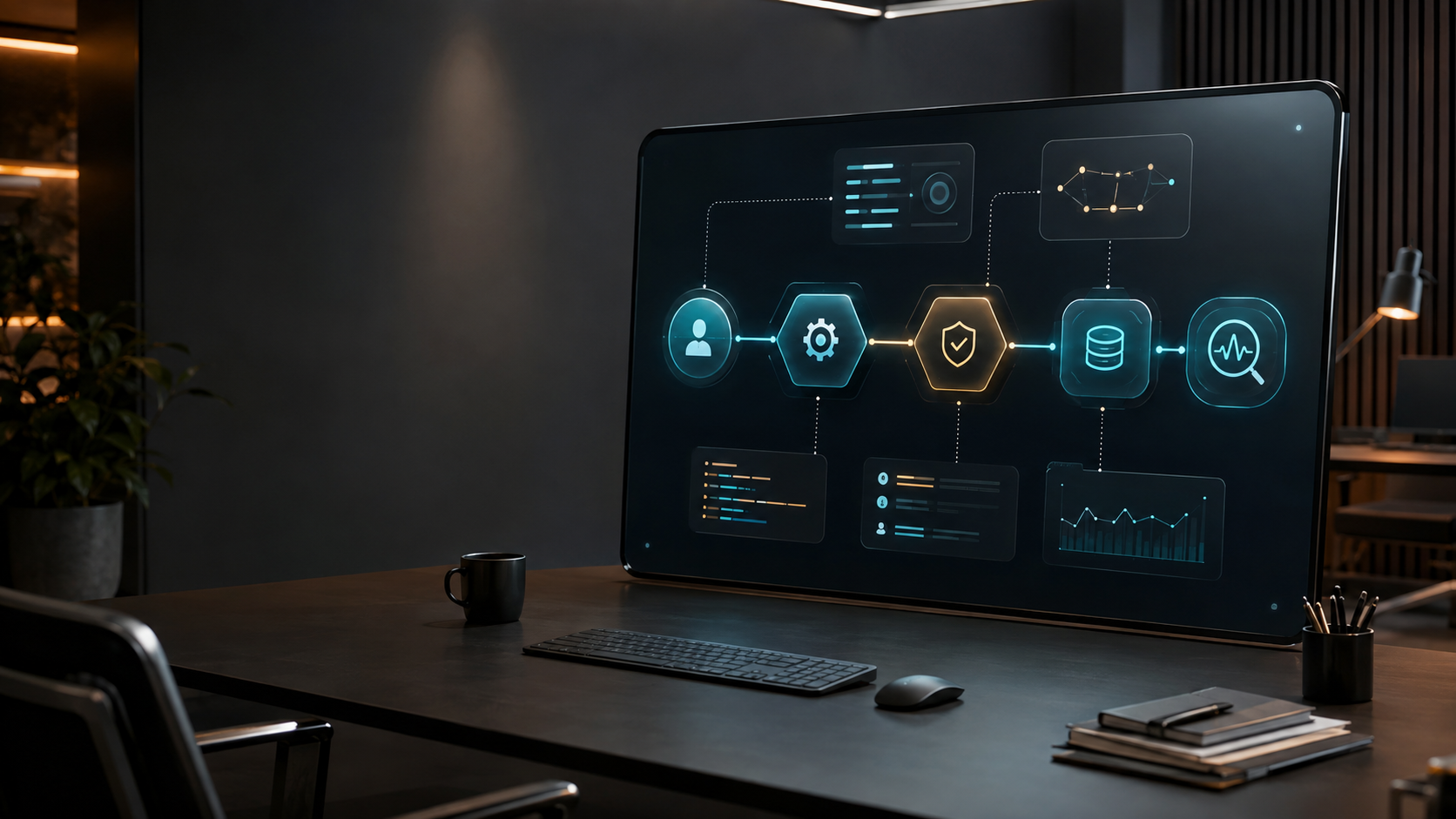
Stop Treating an Agent as Just a Prompt: How Microsoft Agent Framework Moves Multi-Agent Workflows Toward Production
When building an AI application, it is easy to define an agent as a chatbot that is better at calling tools: accept a prompt, let the model decide the next step, and print the result. That model works well for a demo. Once a task needs multiple steps, collaboration across services, human approval, or recovery after a failure, the problem stops being only about model quality. It becomes a question of whether the whole system can be controlled.
That is why I chose Microsoft Agent Framework for this review. It is not merely another chat wrapper. It attempts to place agents and workflows inside one engineering boundary: agents handle understanding and action, workflows define explicit execution paths, state and checkpoints support interruption and recovery, and middleware plus OpenTelemetry support governance and observation. The official project positions itself as a framework for production-grade AI agents and multi-agent workflows in Python and .NET, with a public preview Go SDK as well.[1][2]
My conclusion first: Microsoft Agent Framework is a good fit for teams that have moved beyond a talking prototype and now care about repeatability, observability, and reviewability. It is not the first tool I would choose for a simple question answering endpoint, and it should not be used to create a ten-agent system before the task boundaries are clear.
Why I am paying attention now
As of August 28, 2026, microsoft/agent-framework has roughly 13,000 GitHub stars and the repository has been updated within the last 180 days.[3] Stars are not proof of technical quality, but they do indicate enough public discussion and implementation material to inspect. More importantly, the repository is not just an SDK directory. It brings together Python, .NET, Go, declarative agents, workflow samples, hosting samples, and documentation in one engineering entry point.[3]
The important question is not whether the framework can call a model. I think its real value is that it makes several design questions explicit:
1. Which component owns a decision: an agent or a workflow?
2. Can the collaboration path between agents be replayed and tested?
3. What should happen when a tool call, human approval, or external service fails?
4. Where do one run's context and state live?
5. How does a prototype move toward local, cloud, or hosted execution?
Separate four layers: agents, workflows, tools, and hosting
Many multi-agent articles call everything agent collaboration. Readers remember that many models can run at once, but not who owns each responsibility. I find it clearer to view Microsoft Agent Framework through four layers.
Agents handle semantic decisions
An agent normally has a model client, a name, instructions, and tools. It is useful for semantic work such as turning a user request into query conditions, interpreting documents, proposing a next step, or composing a response from tool results. The strength of an agent is flexibility. The cost is that its decision path is not always deterministic, so it should not independently control every irreversible side effect.
Tools and MCP connect system boundaries
Tools expose external capabilities to an agent, while MCP provides a way to connect tools and MCP servers. The important design question is not how many tools can be added. It is whether permissions, input validation, timeouts, retries, and output schemas are explicit. The official README also warns that teams should connect only to trusted MCP servers because they may execute commands locally or expose sensitive data.[3]
Workflows move coordination into replayable code
A workflow makes the execution path visible. The official workflow documentation lists sequential, concurrent, handoff, and group collaboration patterns, along with checkpointing, streaming, human-in-the-loop, and time-travel capabilities.[4] These names are not trophies. They should answer a practical question: after a failure, can I see which node stopped, correct the input, and resume from a sensible point?
Hosting makes a runnable system reachable
When an agent or workflow needs to be called by another application, the system must expose an interface such as a Responses client, Telegram, A2A, or an MCP client. Recent official blog posts focus on channels, agent harnesses, and production readiness. That direction shows the problem moving beyond prompt composition toward interfaces, permissions, state, and operations.[5]
The first verifiable entry point: run one agent
Do not begin with a multi-agent team. First make one minimal agent respond in your environment. This confirms authentication, model deployment, package versions, and network access before tools and workflows are introduced. The following sample is based on the official Python quickstart and uses Microsoft Foundry with an Azure CLI credential.[3]
import asyncio
from agent_framework import Agent
from agent_framework.foundry import FoundryChatClient
from azure.identity import AzureCliCredential
async def main():
    agent = Agent(
        client=FoundryChatClient(
            credential=AzureCliCredential(),
        ),
        name="HaikuAgent",
        instructions="You are an upbeat assistant that writes beautifully.",
    )
    print(await agent.run("Write a haiku about Microsoft Agent Framework."))
if __name__ == "__main__":
    asyncio.run(main())
Prerequisites
The official README provides this installation path:
pip install agent-framework
az login
For a production project, I would use an isolated project environment, for example uv add agent-framework azure-identity, rather than putting dependencies into the global Python installation. Then confirm that the Foundry project endpoint, model deployment name, and Azure identity are ready. If the team is not using Foundry, follow the official provider samples and select a compatible model client instead of forcing Foundry credentials into every environment.
The first verification task should be simple. A stable response proves that the Python package loads, the Azure credential can be obtained, the model deployment is reachable, and the basic agent loop works. If it fails, separate package installation, az login, endpoint, deployment name, and model permission problems before blaming the workflow.
From there, continue through python/samples/01-get-started, python/samples/02-agents, and python/samples/03-workflows. These official entry points are easier to keep aligned with the current API than a copied multi-agent prompt from an unrelated article.[3]
A practical sequence from one agent to a workflow
I would expand the system in five steps instead of introducing every capability at once.
Step one: make the output structured
Define what the agent must deliver instead of saying only “complete the task.” A customer support classifier might return intent, priority, required data lookups, and whether a human must take over. Structured output prevents the next node from guessing what the previous node meant and makes tests compare fields rather than an entire paragraph.
Step two: add one real tool
Choose one tool that proves value, such as an order lookup or an internal document search. Give it a clear schema, permission boundary, and timeout. Record the parameters proposed by the model before executing side effects. If a tool changes data, sends email, or triggers a transaction, insert human approval first. A stable test result is not a reason to remove that boundary.
Step three: express fixed order as a workflow
If the task is always classify, retrieve, draft, and review, do not hide that order inside one enormous system prompt. Represent it through workflow nodes and edges. Each node can then be tested independently, and execution records can answer which node failed and how long it took.
Step four: add concurrency and handoff only when needed
Concurrency is useful for independent queries, such as checking product data and policy documents at the same time. Handoff is useful when responsibility genuinely moves from one specialist to another. If two agents merely exchange the same context, parallelism may not improve quality and can increase token usage, integration work, and debugging cost.
Step five: add checkpoints, approval, and observability
Long-running work needs persisted state. A checkpoint is not merely a prompt in a database. It should identify the current node, consumed inputs, and completed side effects. Human interaction also needs clear pause and resume boundaries. The official workflow documentation treats checkpointing, resuming, human-in-the-loop interaction, OpenTelemetry, and topology visualization as workflow capabilities.[4]
When to use sub-agents, skills, agent teams, or workflows
These concepts are often mixed together. I distinguish them by asking whether the work needs an independent lifecycle.
- Sub-agent: a narrow task delegated temporarily by a main agent, usually without an independent operational lifecycle.
- Skill: reusable domain knowledge or an operational capability. It is not automatically another full-responsibility agent.
- Agent team: multiple agents with distinct roles, useful when expertise or handoff boundaries matter.
- Workflow: explicit nodes, execution order, events, state, and recovery rules, useful when the process must be tested, audited, and replayed.
For a single lookup, I would use one agent and one tool. If research and review require different responsibilities, I would consider an agent team. If the process also needs retries, approval, recovery, and tracing, I would promote the coordination logic into a workflow. “Multi-agent” is not itself a product goal.
Limitations I would watch closely
1. A broad scope does not mean equal maturity everywhere
The README covers Python, .NET, Go, Foundry, Azure OpenAI, OpenAI, the GitHub Copilot SDK, and hosting patterns. That is useful, but it does not mean every path has the same maturity. The Go SDK is currently public preview, and the official overview identifies capabilities that are not yet available there.[2][3] Evaluate the exact language, provider, and deployment path with a small proof of concept.
2. Agent flexibility cannot replace system boundaries
An agent may decide which tool to call, but it should not decide every permission. A production system needs a tool allowlist, parameter validation, sensitive-data masking, timeouts, retry limits, and human approval as separate controls. MCP is convenient, which makes it even more important to know what the server can do.
3. Observability is not a dashboard added at the end
Without run records, node-level summaries, model latency, tool errors, and token cost, it is difficult to tell whether a failure came from the prompt, model, tool, or coordination logic. Add OpenTelemetry at the first replayable workflow. At minimum, every run should have a correlation ID and a node-level timeline.
4. Multi-agent cost can rise faster than its benefit
Every additional agent adds context transfer, model calls, failure combinations, and result integration. Parallel execution can reduce wall-clock time while increasing concurrent requests and provider cost. Measure the single-agent baseline first, then decide whether to split based on quality, latency, recoverability, and total cost.
5. Migration from AutoGen is not just changing imports
Microsoft provides an official AutoGen to Agent Framework migration guide covering model clients, AgentSession, tools, MCP, the Agent-as-a-Tool pattern, middleware, multi-agent workflows, human-in-the-loop, checkpointing, and observability.[6] That breadth shows that migration requires reviewing the execution model and responsibility boundaries, not just renaming classes.
For an existing AutoGen application, I would migrate one smallest complete path: one agent, one tool, one approval step, and one recoverable failure case. Once behavior, logs, and cost match expectations, move on to more complex group chat or orchestration patterns.
Which teams should try it first
I would start with three groups.
The first is a product team with a defined operational process, such as customer routing, research reports, internal operations, or document review. These processes have nodes, permissions, and human work, so they can validate the value of workflows, checkpoints, and human-in-the-loop controls.
The second is an enterprise team that must support both Python and .NET. The cross-language positioning may help teams integrate existing services under similar concepts. It still needs validation against the actual SDK and provider support matrix; cross-language does not mean identical APIs.
The third is a development team whose agent prototype already has governance problems: too many tools, failures that cannot be reproduced, long tasks that stop halfway, or a new requirement for review and audit. In that situation, the framework's value is not making a demo faster. It is making failure modes more predictable.
For a FAQ endpoint, a fixed RAG query, or text generation without external side effects, I would start with a smaller SDK combination. A more complete framework also brings learning and maintenance costs. Do not introduce a workflow just to attach the Agent label to a simple request.
My adoption checklist
Before connecting real data and permissions, I would ask the team these questions:
- Can success be expressed as testable fields or events?
- Which steps must be fixed, and which genuinely benefit from model decisions?
- Which tools are read-only, and which create irreversible side effects?
- Where should the process stop after an agent failure, tool timeout, or human rejection?
- Can a retry send an email, charge a card, write data, or publish twice?
- Does every run have state, traces, cost, and version information?
- Do we really need multiple agents, or is one agent plus a workflow enough?
This checklist may look less exciting than an AI demo, but it contains the work most often missing when a demo becomes a product.
Conclusion: make the path explicit before adding model flexibility
My assessment is that Microsoft Agent Framework is most valuable not as a way to generate a chatbot that talks more naturally, but as an engineering path from agents and tools to workflows and hosting. A team can start with a few lines of Python to validate a model call, then add structured output, tools, human approval, checkpoints, observability, and deployment channels in stages.
That path also gives multi-agent systems the right priority. Reliable task completion is the product goal, not the number of agents. Keep coordination logic that can be expressed deterministically in code instead of hiding it in a prompt. Preserve model flexibility where semantic judgment is actually needed. Put permission and human boundaries around every side effect.
If you are evaluating the project, make the first experiment small: choose a task with clear input and output, create one agent, connect one read-only tool, record a complete trace, and deliberately inject one tool failure. Only after the team can answer where the failure occurred, how to recover, and what it cost should the system grow into a multi-agent workflow.
References
- Microsoft Agent Framework GitHub repository
- Microsoft Learn: Microsoft Agent Framework Overview
- Microsoft Agent Framework README: Installation and Quickstart
- Microsoft Learn: Workflow capabilities
- Microsoft Agent Framework official blog
- Microsoft Learn: AutoGen to Microsoft Agent Framework Migration Guide