Bringing Chat, Agents, Research, and Local Models into One Workspace: How I Read Odysseus as an AI Workflow Foundation
# Bringing Chat, Agents, Research, and Local Models into One Workspace: How I Read Odysseus as an AI Workflow Foundation
Many AI tools do not fail because their models are weak. They fail because work is fragmented: chat lives in one interface, research in browser tabs, documents in a cloud editor, and email and calendars in separate systems. When a task crosses those boundaries, the human becomes the only integration layer. In GitHub's high-star, recently active projects, I found `odysseus-dev/odysseus`, an implementation-focused project that positions itself as a self-hosted workspace for chat, agents, research, documents, email, notes, tasks, calendars, and local-model workflows.
My view is that Odysseus is interesting not because it has a long feature list, but because it tries to put model capabilities back into a user-controlled working environment. That direction matters to AI Chain readers because useful AI applications are rarely one-shot questions. They are sequences that acquire data, call tools, produce content, and track follow-up work. At the same time, deeper integration also brings permissions, data protection, and operations into scope. I will not present Odysseus as a universal assistant. Instead, I will use the official README and Quick Start to examine its position, a verifiable path to get started, its practical value, its limits, and the kinds of proof-of-concept projects that make sense first.
## The short version: Odysseus addresses fragmented context, not model hallucinations
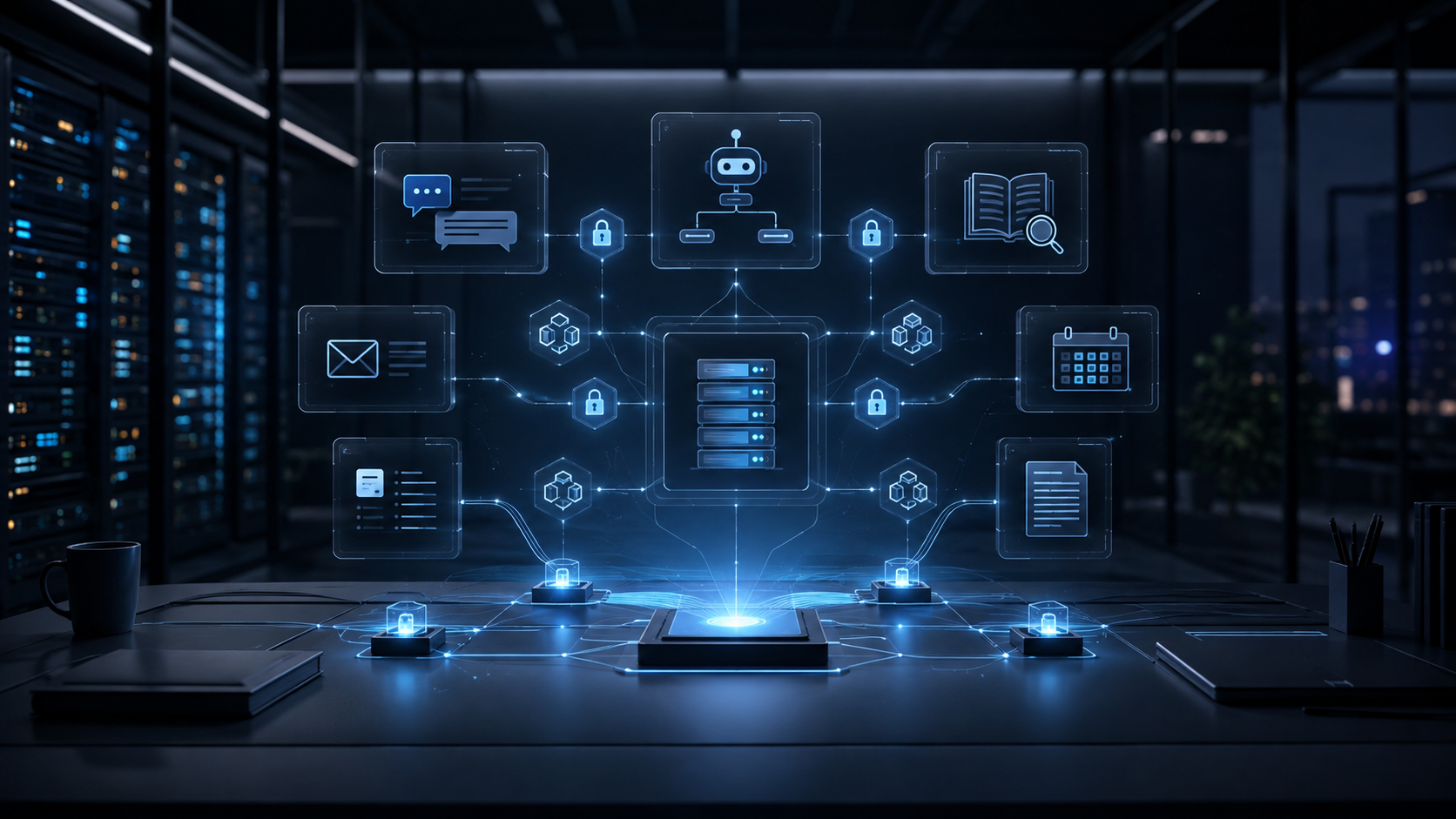
The official README describes Odysseus as a self-hosted AI workspace covering chat, agents, research, documents, email, notes, calendars, and local-model workflows. That wording matters: the product boundary moves from choosing a model for a conversation to letting AI participate in a complete working environment. The listed Chat + Agents capabilities include local or API models, tools, MCP, files, shell, skills, and memory. Deep Research supports multi-step web research, source reading, and report generation. Documents provides a writing-first editor with AI edits and suggestions.
This design addresses three common forms of friction. First, research and writing do not need to be copied repeatedly between tools; an agent can continue with context in one workspace. Second, teams that want data to remain in their own environment can manage models and services through a self-hosted deployment instead of assuming that every document goes to a third-party SaaS. Third, tasks and reminders do not have to remain as sentences in a chat history. The README explicitly includes tasks, calendars, and scheduled agent tasks, which suggests that the project aims to keep work moving after the initial answer.
There is an important boundary, however: self-hosted does not mean automatically secure, and integration does not mean automatically reliable. Odysseus can put tools and data in one workspace, but it cannot decide which data an agent may read, whether shell access should be enabled, whether an email agent may create a reply draft, or how credentials for external services should be configured. It is a foundation that can be governed by its operator, not a governance-free finished product.
## How I understand its four layers
### Layer one: models and inference entry points
Odysseus supports local and API models, and its README points to a hardware-aware cookbook for model recommendations, downloads, and serving. That makes it more than a front end tied to one provider. Depending on privacy, cost, latency, and hardware, an operator can choose a local model or a remote API. For an experimenter, this is practical flexibility. For a team, it means defining model routing, data classification, and fallback behavior before changing production settings.
Replaceable models do not mean interchangeable agent behavior. Different models can behave differently with tool calls, long contexts, structured output, and multi-step tasks. A model change should be treated as a change that requires acceptance tests, not as a harmless environment-variable edit.
### Layer two: tools, MCP, files, shell, and skills
This is the layer that moves Odysseus from a chat application toward a workflow tool. The official feature list includes tools, MCP, files, shell, skills, and memory. An agent can therefore do more than answer: within an explicitly authorized scope, it can read data, call external capabilities, execute operations, and retain working context.
The useful question is not how many tools can be connected. It is what each tool can and cannot do. A research agent may need web search and source reading but not shell access. A document agent may read one designated directory but not the whole host. An email agent may create drafts without being allowed to send them. MCP and skills make extension easier, while making the permission boundary more important to document and test.
### Layer three: work content and collaboration interfaces
Documents, Email, Notes, Tasks, and Calendar give AI outputs somewhere to land. A document is not just a chat response; it can continue to be edited. Email includes inbox triage, labels, summaries, reminders, and reply drafts. Notes, tasks, and calendars turn a next step from prose into a trackable work item. This is especially attractive to individual researchers, content teams, and small engineering teams where one person often researches, organizes, executes, and communicates.
The value of interface integration depends on clear data separation. Research sources, private email, team documents, and generated notes should not all share an undifferentiated permission set. If one agent can read everything, a smooth workspace can amplify the impact of misuse or data leakage.
### Layer four: the self-hosting and operations boundary
The project provides a Docker Compose Quick Start and points to a setup guide covering native installs, GPU notes, Windows and macOS, HTTPS, and configuration. Deployment is treated as a real part of the project rather than something that ends when a local page opens. Self-hosting gives control over data location, network boundaries, and upgrade timing. It also makes the operator responsible for backups, authentication, reverse proxies, certificates, logs, model services, and resource monitoring.
The README's Security section explicitly recommends keeping authentication enabled, keeping private data out of Git, and avoiding public exposure of raw model or service ports. These are a minimum security baseline, not decorative warnings. When an agent has file, shell, or external-integration capabilities, a public service with a weak password becomes a high-privilege entry point.
## How to start: run a small, reversible validation
The official Quick Start begins by obtaining the source, creating an environment file, and starting the stack with Docker Compose:
```bash
git clone https://github.com/odysseus-dev/odysseus.git
cd odysseus
cp .env.example .env
docker compose up -d --build
```
After startup, the official documentation says to open `http://localhost:7000` once the containers are healthy. The initial administrator password is printed by `docker compose logs odysseus`. I would keep three verification steps.
First, inspect container status and service logs before importing real data. If the build takes too long, a container restarts, or a model service is not ready, use the logs to distinguish environment variables, network access, storage, and resource problems. Second, use a test account and a non-sensitive file to complete a minimal task, such as asking an agent to read a designated file and produce a summary. This tests file permissions and output paths. Third, enable MCP, shell, email, calendar, or scheduled tasks one at a time. Create a reversible configuration checkpoint after every added capability.
During a full deployment, keep `.env` in a controlled environment and never commit it to Git. Administrator passwords, external-service connections, and model-provider credentials should use a secret manager, or at minimum restrictive file permissions. If the workspace must be reachable beyond a local network, handle HTTPS, authentication, and the reverse proxy first. Do not expose a development service's raw port to the public Internet for convenience.
## Four scenarios worth trying first
The first is research to report. Public-data search, source reading, synthesis, and a first draft can be connected, while the source list and citation checks remain visible for human review. Asking an agent to produce a report does not remove the need to verify its sources; it makes the verification path more important.
The second is a document workflow. Examples include turning meeting notes into decision records, adapting a Markdown draft for different audiences, or suggesting revisions to an existing document. These tasks are safer when the AI proposes changes or a diff and a person accepts them, instead of overwriting the original file.
The third is a personal workspace. If notes, tasks, reminders, and calendars share an appropriate amount of context, an agent can help turn scattered ideas into next actions. Start scheduled jobs with low-risk reminders and summaries. Do not initially grant irreversible delete, send, or publish permissions.
The fourth is local-model experimentation. Local-model workflows and the cookbook can provide one entry point for comparing models under different hardware constraints. Evaluate more than answer quality: record latency, memory use, tool-call success, recovery after interruption, and whether data really stays within the intended network boundary.
## Limits and a pre-adoption checklist
I would not recommend a full team migration just because the feature count is high. First, integration increases the configuration surface. Chat, agents, MCP, documents, email, calendars, and model services each have their own failure modes. Operators need a clear responsibility boundary for every layer.
Second, agent automation requires observability. You should be able to answer what data was read, which tool was called, what result was produced, whether a retry happened, and who approved an irreversible operation. If these answers can only be guessed from a chat transcript, the system is not ready for a high-risk process.
Third, models and tools change across versions. Re-read the README, roadmap, releases, and setup guide before an upgrade, then run a fixed set of acceptance tasks. Do not test only whether the agent can answer. Test whether it refuses actions outside its scope and stops safely when a dependency fails.
Finally, the AGPL-3.0-or-later license belongs in the adoption review. Personal self-hosting and internal use are different from offering a modified version to external users or embedding it in a commercial service. The engineering and legal teams should confirm the obligations first. This is not a defect in the project; it is a condition that comes with using open-source infrastructure.
## My recommended adoption order
For personal use, I would start with Docker Compose, keep authentication enabled, and use test data for a low-risk chat-plus-document-summary path. Then I would try Deep Research with a requirement that every report retain its sources. After confirming backups and upgrades, I would add notes, tasks, and calendars. Only then would I evaluate shell, email sending, and higher-privilege external tools.
For a team, I would first write a permission matrix: which roles can use which models, read which data, call which tools, and require human approval. Then I would create a fixed acceptance set containing normal tasks, malformed input, sensitive data, tool timeouts, and service interruption. Only when the tests are repeatable, logs are traceable, and backups are restorable would I connect the workspace to real email or team documents.
## Conclusion: governance must enter the architecture with AI
Odysseus deserves attention because it represents a clear product direction: AI is no longer only a standalone chat entry point, but part of a self-hosted environment for research, documents, communication, and scheduling. Its implementation value is the attempt to put models, tools, and everyday work in one deployable space. Its risk is equally clear: the deeper the integration, the less acceptable it is to rely on default permissions, opaque logs, or improvised recovery.
I would position Odysseus as an AI workflow foundation worth validating through a small proof of concept, not as a universal platform that should immediately replace every existing tool. Start with public or test data, verify one reversible task, and add tools and data sources gradually. Keep a log, a permission model, and a recovery plan at every step. When you can clearly answer what an agent can see, what it can do, and when it must stop, Odysseus can move from a feature-rich self-hosted project to infrastructure that a team can responsibly trust.
## Sources
- GitHub repository:
- Official README:
- Official setup guide:
- GitHub API repository metadata: